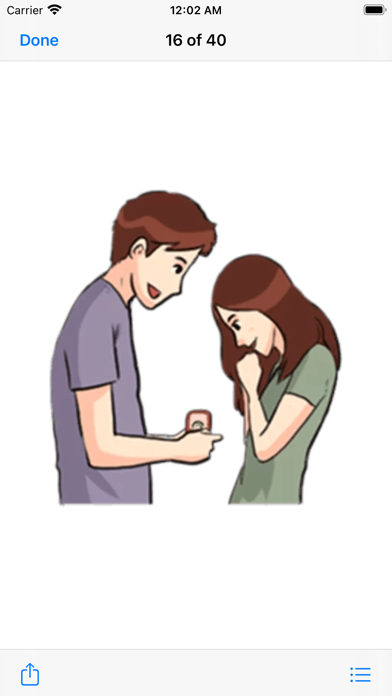
Greetings from from signs of fall in love Pack #3. Extends love, care and happiness by using these stickers pack in your conversations.

This sticker pack will Enlighten your iMessage conversation & take it to the next level.

► HOW TO USE:
• SEND dynamic stickers in chat
• PLACE stickers anywhere on your iMessages
• CUSTOMIZE your photos with stickers in chat
• LAYER stickers over each other, in chat, and on photos
• SCALE & ROTATE stickers

► HOW TO FIND YOUR STICKERS:
• Access iMessage apps— Enter a contact to message, then tap the App Store icon beside the chat field to see your most recently used iMessage app.
• Find new stickers—First tap the App Store icon, then tap the 4-ovals icon in the lower left to bring up the app drawer. Then, tap the + icon to access the Store.
• If you are not seeing Stickers that you have purchased, you may need to change your settings. Tap the App Store icon, then tap the 4-ovals icon in the lower left to bring up the app drawer. Then click the + symbol to open the store, and select the Manage button top right. Make sure the app you are looking for is turned on.
• Use stickers in chat—Tap to send, or touch and hold to put stickers on top of a bubble, other stickers, photos, and videos.
• Apple Watch (iOS 3), iPhone & iPad users (iOS 10)—Transform your chat with animated stickers! Earlier iOS versions and other platforms will see static stickers in chat.

► How to Delete sticker packs from iMessage:
•	Open the iMessages app on your iPhone.
•	Scroll right on the list of apps above the keyboard till you see the More … button.
•	Scroll down and find the sticker pack you want to remove.
•	Delete App: swipe left on the sticker pack and Delete it
•	Tap the Edit button on the top-left.
•	Now you can reorder the sticker packs and also hide the sticker pack by switch button

CONTACTS: [email protected]