Many of us love taking pictures and recording videos to enjoy precious moments.  There are times when we need to get some frames out of a movie and use and save them as images.  If you need desktop screenshots as resources, sometimes, it's easier if you record a desktop movie and then extract some frames as images.

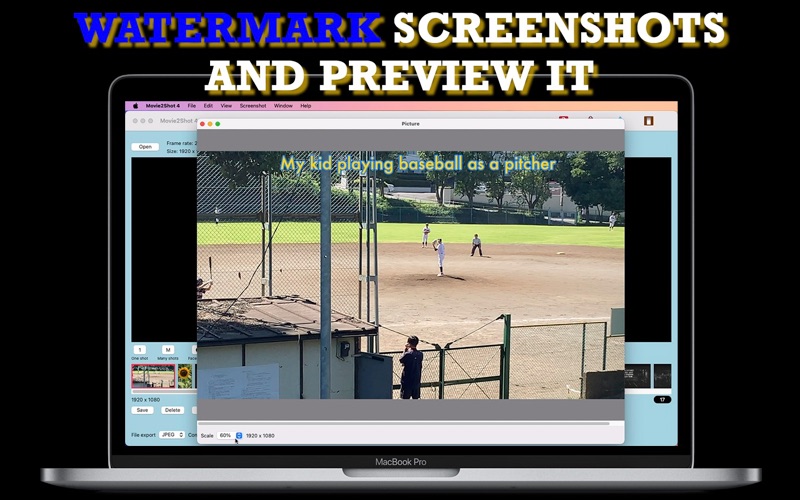
Movie2Shot 4 is a revival of an old desktop application series that started more than 15 years ago.  Movie2Shot 4 lets you take a movie screenshot at the current play head with a click of a button.  You have options of watermarking or not watermarking them.  You can also extract multiple frames as screenshots out of a video.  And you can scan all frames to find ones with one or more faces.