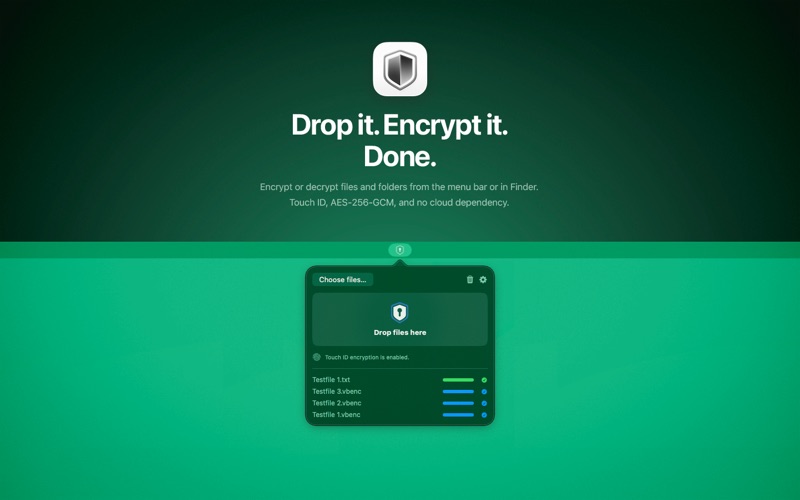
VaultBar brings fast, local file encryption to macOS.

Encrypt or decrypt files and folders from the menu bar, with drag and drop, directly in Finder, or from the Finder right-click menu.
VaultBar automatically recognizes encrypted files and selects the right action, helping avoid double encryption and common mistakes.

All processing happens entirely on your Mac. No cloud, no analytics, no tracking.

VaultBar supports Touch ID or password, configurable reuse intervals, batch processing, recent history, flexible output locations, conflict handling, and optional replacement of original files after encryption or decryption.

Vault folders can automatically monitor a location and encrypt new files placed there. Recovery keys provide secure fallback access when Touch ID or your usual unlock method is unavailable.

Private by design. Native on macOS. Ready when you need it.