Open Commodore 64 artwork and see it two ways: the sharp picture the artist drew, and the picture a good monitor of the era would have shown
Open Commodore 64 artwork and see it two ways: the sharp picture the artist drew, and the picture a good monitor of the era would have shown. Import your own images and map them onto the 16-color palette, then export either version. Layered, interlaced, and multiscreen images are supported.

Features:
• Authentic color and CRT simulation using Colodore's model
• 2x and 3x rendering, switched live
• Color, Contrast and Brightness calibration following a Commodore 1084S monitor
• True Aspect, drawing C64 pixels at the shape they really had
• Both VIC-II chip revisions, including the older luma values
• Interlaced artwork support (with matching flickering)
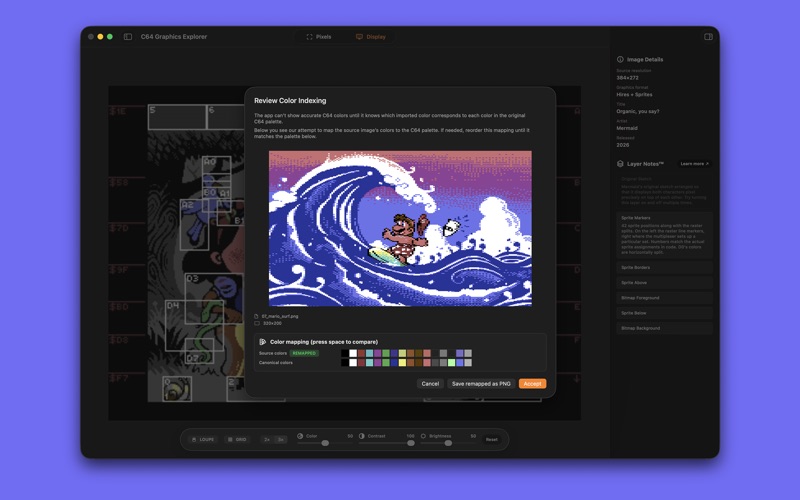
• Intelligent color remapping to the canonical 16-color C64 palette
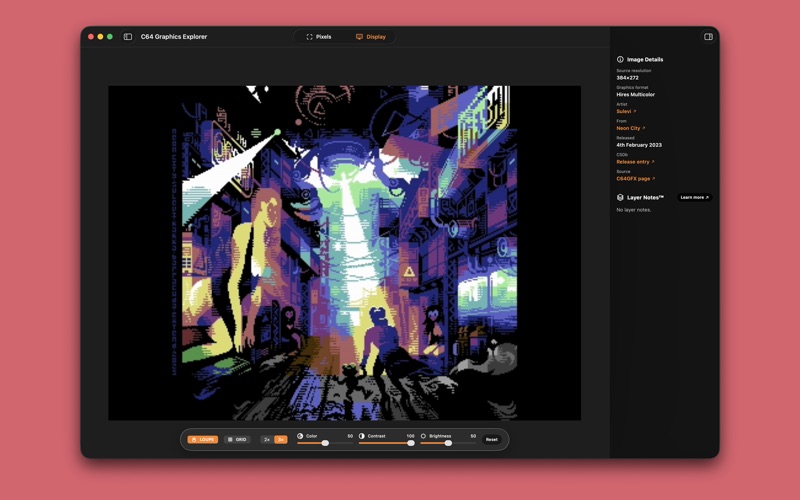
• Automatic Hires / Multicolor / Hires Multicolor analysis
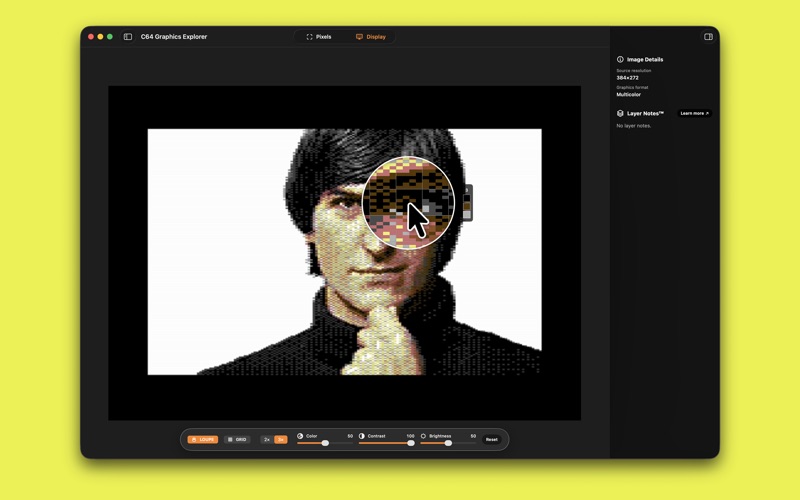
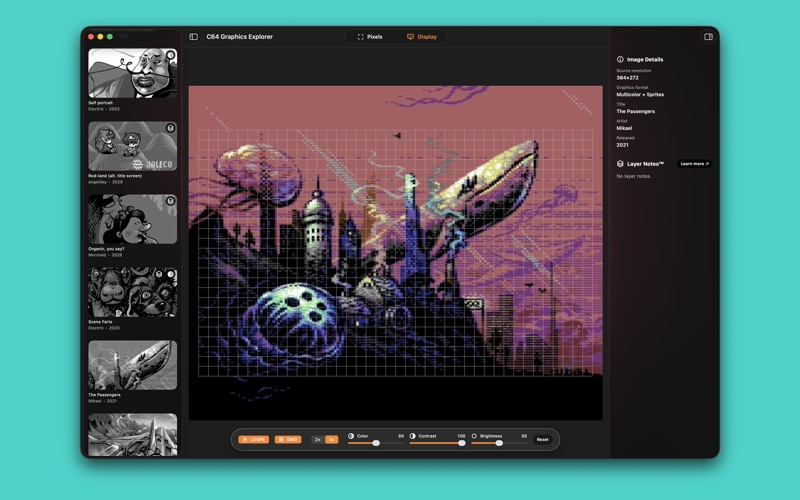
• Pixel-precise loupe with character-cell grid overlay
• Grid alignment controls for fine-tuning
• Layer Notes™ with toggleable layers and written descriptions of how complex artworks are made
• Export as indexed PNG, rendered CRT view, or an animated GIF for interlaced artwork
• Built-in gallery, drag and drop, or c64gfx.com URL import

Whether you're a demoscene enthusiast, pixel artist, retro researcher, or simply curious about C64 graphics craftsmanship, this app is for you.

Learn more: https://c64graphicsexplorer.com/