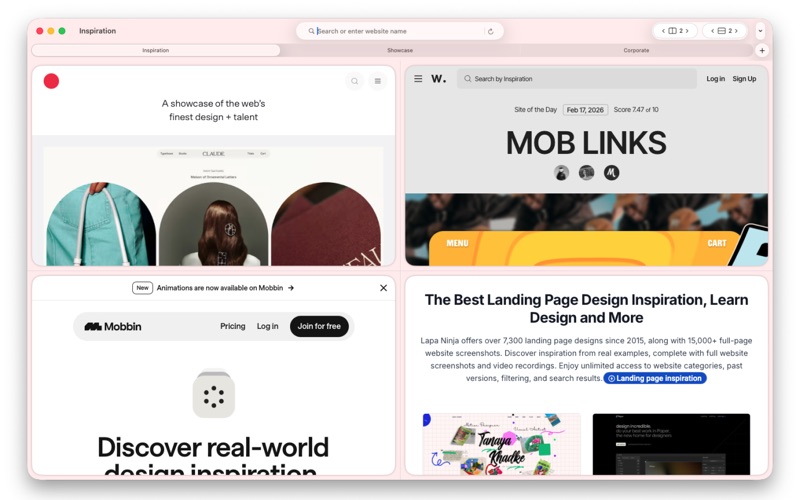
Compass Browser is a desktop browser workspace designed for teams that operate across multiple accounts, environments, and workflows simultaneously
Compass Browser is a desktop browser workspace designed for teams that operate across multiple accounts, environments, and workflows simultaneously.

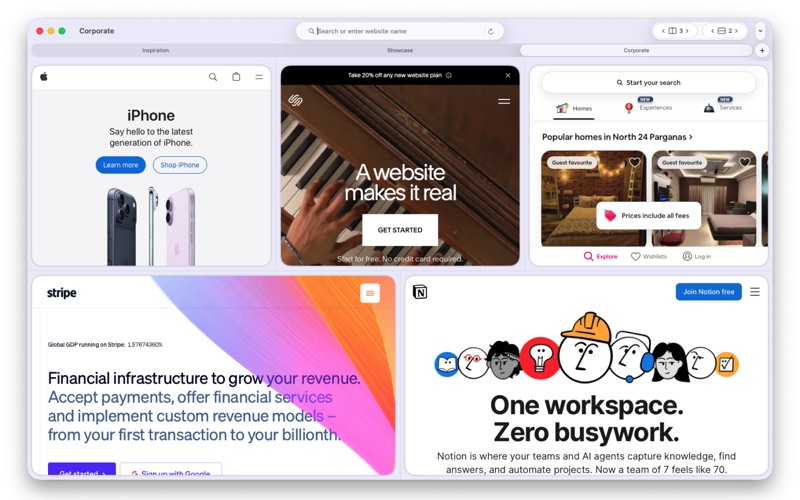
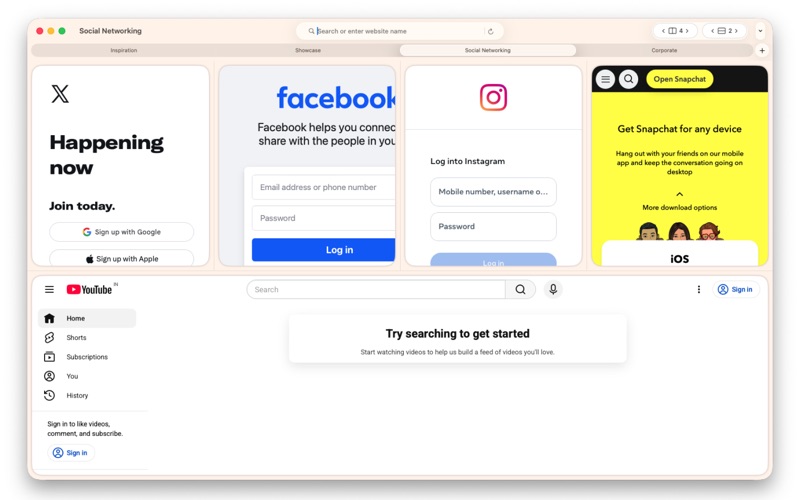
It enables users to open multiple fully isolated browser sessions in a structured grid layout, allowing parallel testing, monitoring, and account management without cross-session interference.

Each session runs independently with its own storage, cookies, authentication state, and runtime context — making it ideal for QA testing, development validation, customer support operations, and e-commerce account management.

Best For:
     QA engineers performing cross-environment and regression testing
     Developers validating features across staging and production builds
     Customer support teams managing multiple user accounts simultaneously
     E-commerce operators handling multiple storefronts or seller accounts
     Growth teams running parallel campaign logins
     Social media managers overseeing multiple brand profiles
     Marketplace sellers monitoring competitor and pricing dashboards
     Agencies managing client accounts in isolated environments
     Web3 users operating multiple wallets securely
     Automation testers verifying session-based behavior

Key Features:
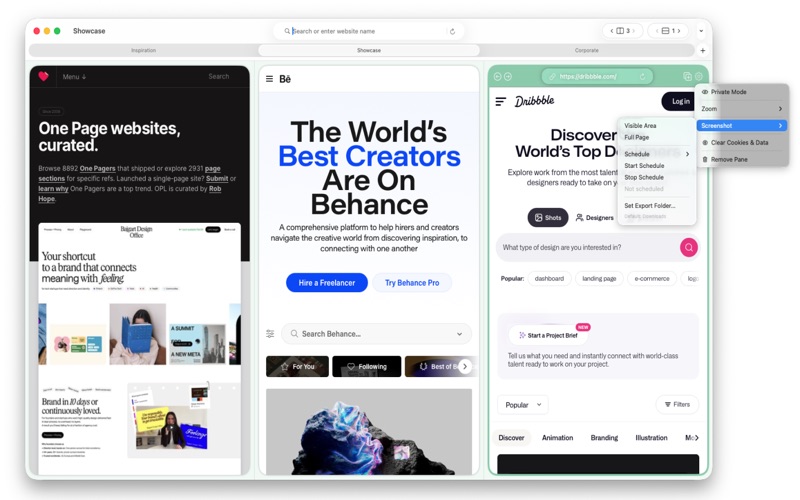
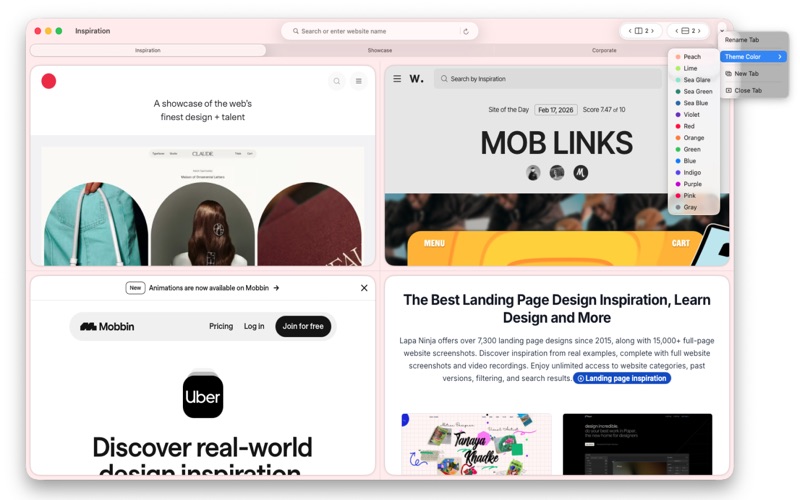
     Run multiple isolated browser instances side-by-side
     Grid-based layout for structured visibility
     Independent login sessions within one application
     Efficient multi-account and multi-environment handling
     Optimized for testing, support, and operational workflows

Compass Browser transforms fragmented browser workflows into a controlled, parallel workspace built for productivity and operational precision.