The companion for Oda on the Mac.

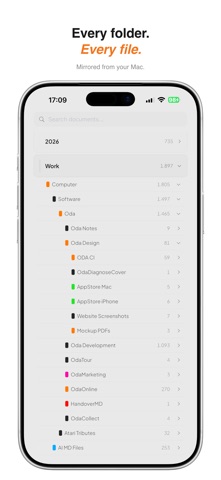
OdaViewer brings your Oda archive to iPhone and iPad. Browse your folders, search across everything, and preview your documents — the same structure you keep on your Mac.

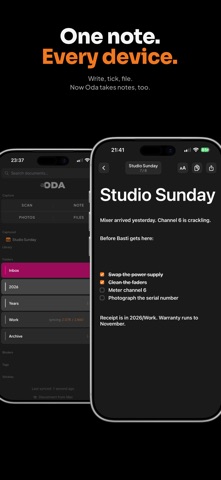
And now it writes back. Notes aren't read-only anymore: write them, edit them, tick things off, in the same editor you have on the Mac. Same format bar, same headings, same checklists. Tap into a note to write, swipe the keyboard down to read it as a clean page. Dictation works inside lists — dictate an item, say return, dictate the next one. It's the same note on both machines.

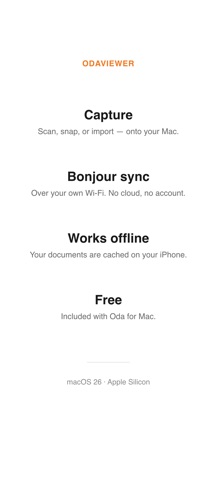
It also captures. Scan a document, pick a photo, grab a file, write a note, or share a PDF straight from another app. OdaViewer holds it until your phone and Mac meet on your local network, then sends it over — where it's waiting on your Mac for you to file. What you capture stays visible under Captured until it's filed. A capture you can't lose.

Everything syncs over your local Wi-Fi with Bonjour. No cloud, no account — your documents stay between your own devices.

— Write and edit notes, on the device
— Browse, search, and preview your whole archive
— Capture: Scan, Note, Photos, Files, and share from other apps
— Library, Tags, Stickies, and Binders, matching your Mac
— Local sync over Bonjour — no cloud involved

Requires Oda for Mac. Sync needs both devices on the same local network.