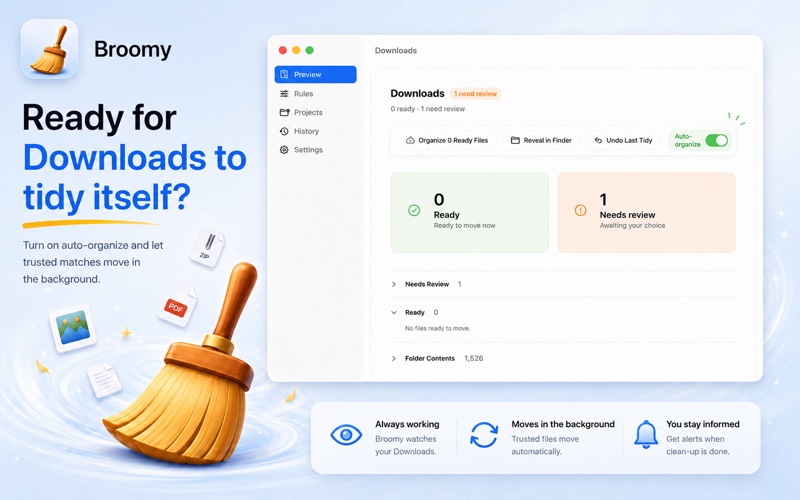
Broomy helps you clean your Downloads folder without handing control to an aggressive auto-cleaner
Broomy helps you clean your Downloads folder without handing control to an aggressive auto-cleaner.

Instead of moving files blindly, Broomy scans your chosen Downloads folder, predicts where each file should go, and shows you a clear preview before anything is moved. Safe matches can be organised automatically. Unclear files stay exactly where they are until you decide.

It is a calmer way to deal with screenshots, PDFs, installers, archives, images, documents, receipts, code files and random downloads that pile up over time.

Why Broomy feels safer

• Preview every clean-up before files move
• Sort common file types into sensible folders
• Keep ambiguous files in place for manual review
• Use project presets for development and design workflows
• Auto-organise only trusted, stable Downloads files
• Avoid risky guesses with conservative sorting rules
• Undo individual moves or restore a whole clean-up run
• Open Broomy quickly from the menu bar or global shortcut
• Keep file names, rules and history local on your Mac

Built for real Downloads chaos

Downloads folders rarely contain one type of file. One day it is screenshots and PDFs, the next it is installers, ZIP archives, invoices, documents, assets and project files.

Broomy turns that mess into a repeatable workflow:

Scan your Downloads.
Review the preview.
Organise safe matches.
Leave risky files alone.
Undo later if needed.

That makes it useful for developers, designers, students, freelancers and anyone who wants a cleaner Mac without trusting a heavy cleanup tool to make every decision.

Local-first by design

Broomy does not need an account, cloud sync or tracking to organise your files. Your file names and clean-up history stay on your Mac.

Clean Downloads faster, keep control of every move, and make your Downloads folder feel manageable again.