Caliper is a fast, native Mac app for marking up and measuring PDF drawings — built specifically for architects, engineers, and contractors
Caliper is a fast, native Mac app for marking up and measuring PDF drawings — built specifically for architects, engineers, and contractors. Open a drawing, calibrate the scale, take off areas, redline, drop stamps, and more, with every line kept as crisp vector data from open to save.

MEASURE & TAKE OFF
  • Per-page scale calibration with smart distance parsing (feet-inches, fractions, metric)
  • Auto-Scale reads scale legends with on-device OCR and sets the scale for you
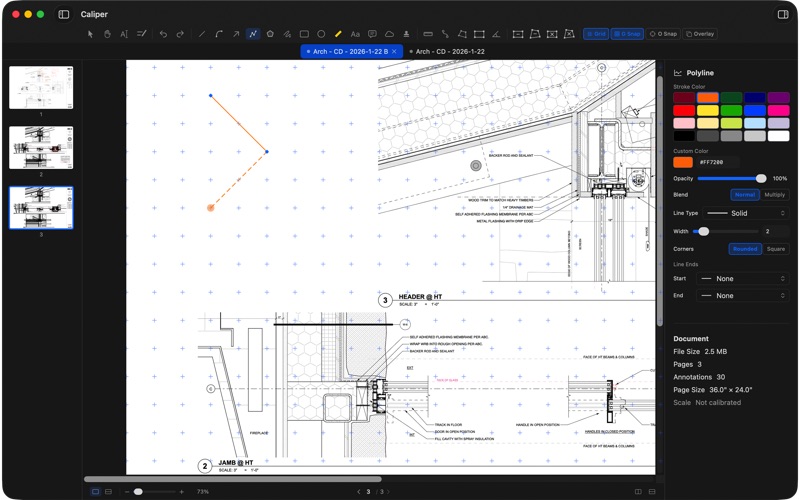
  • Linear ( and dimension chains), polyline, area, and angle dimensions in seven display formats
  • Scheduler — create .csv files from area, perimeter, and length dimensions with unique identifiers
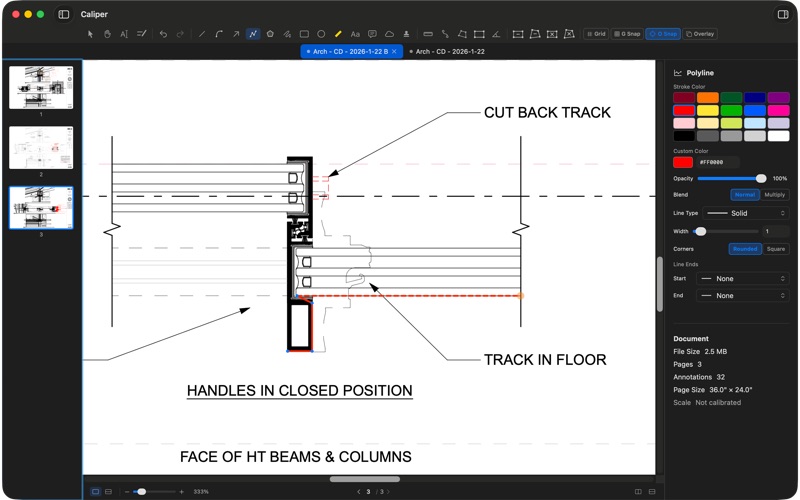
  • Object Snap locks tools to the PDF's own geometry, so measurements land on the line

  MARK UP
  • 13 annotation types — lines, arrows, shapes, polylines, freehand pen, highlighter, curves, callouts, clouds,  text, and stamps, etc
  • Full style control: stroke, color, opacity, dashes, fills, and ten line-end decorations
  • Per-tool default styles — set once, draw all day
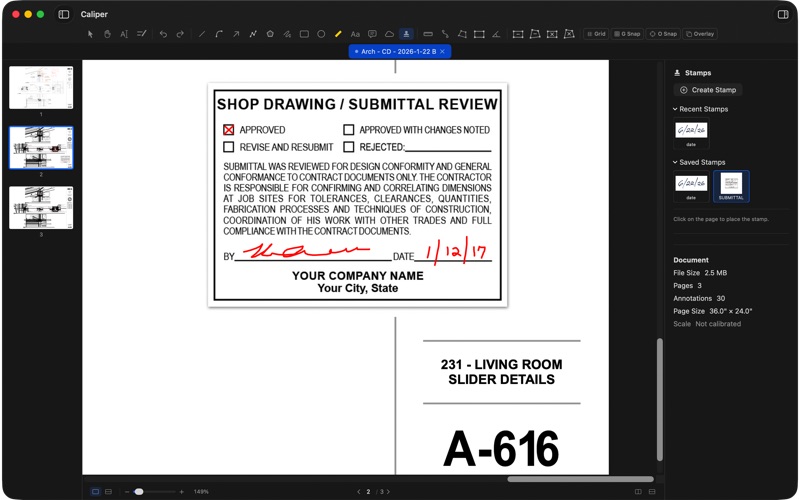
  • Create custom stamps; import any single-page PDF as a stamp or create stamps from any object(s)
  • Create custom annotation styles
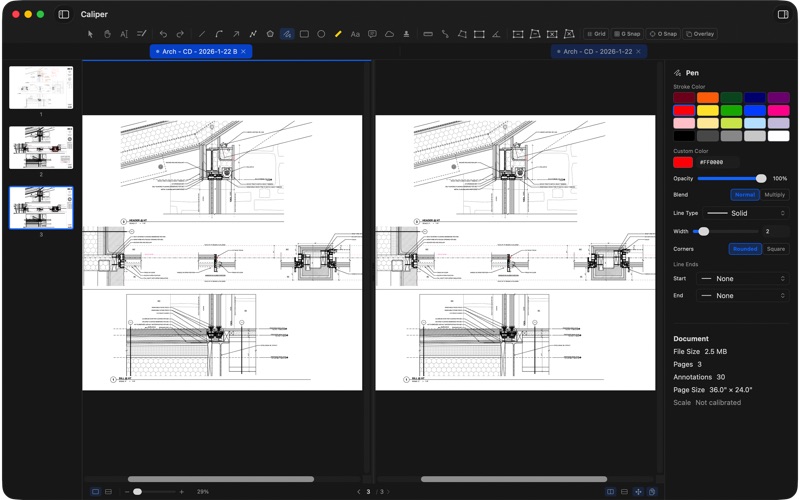
  • Revision overlay — lay one drawing over another with opacity, scale, and color tint to compare sets

  EDIT THE PDF ITSELF
  • Edit existing PDF text — fix a typo or update a note baked into the document
  • Marquee cut & delete that preserves vectors — no rasterization, no blur  — tint pasted content, vector or pixels.
  • Reduce File Size with a quality slider before you share or archive

  A WORKFLOW BUILT FOR DRAWINGS
  • Multi-tab interface and synced split view — compare two documents in lockstep
  • Auto-save writes markups straight into the PDF — one file, no loose attachments, fully re-editable
  • Drag-to-reorder, insert, duplicate, and copy pages between documents
  • Large-format support (24×36 and up) and hundreds of pages

  PRIVACY
  Everything happens on your Mac. No account, no cloud, no telemetry — your drawings never leave your machine

  PRICING
  A one-time purchase. No subscription.

  Designed by a licensed architect with decades of experience in architectural design and construction administration as well as software development.