


Description
Yeah
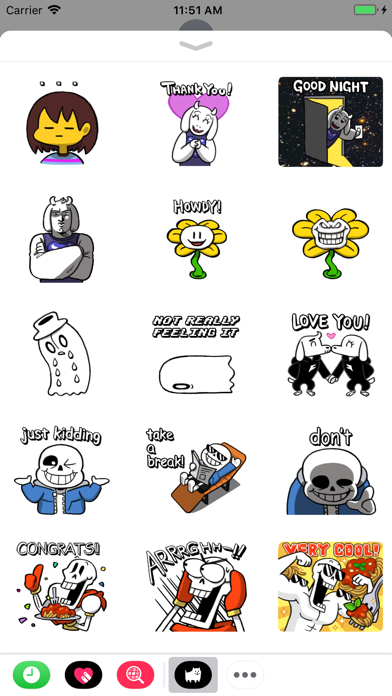
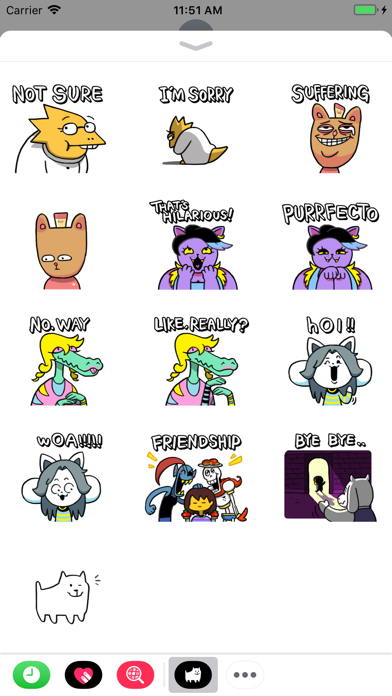
Yeah! It's UNDERTALE! Now in sticker form!

Need help using your stickers on iOS 10?
• From an iMessage, tap the arrow on the left of the entry field, then tap the App Store icon
• Tap the four ovals in the bottom-left corner of the screen
• Tap 'UNDERTALE' to begin using your UNDERTALE stickers!
• If 'UNDERTALE' does not appear, tap 'Store', then go to the 'Manage' tab and enable 'UNDERTALE' in the list of apps

(Design by Unoo: unoobang.tumblr.com)
