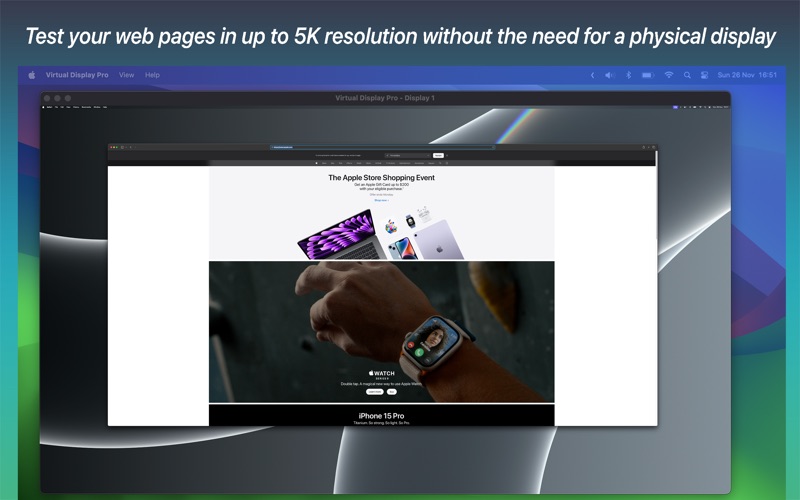
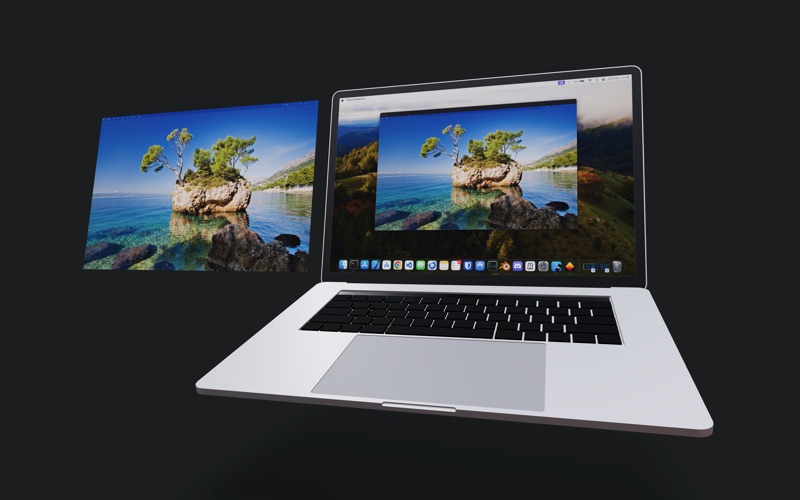
Your new screen-sharing companion – Virtual Display Pro!

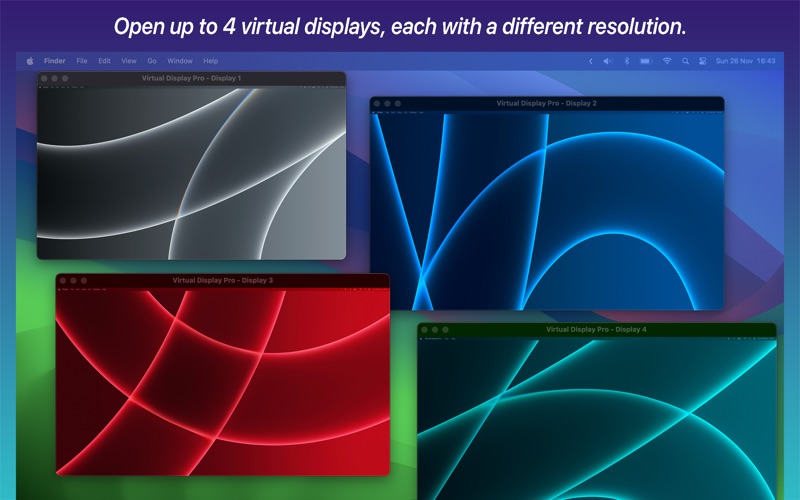
With the Virtual Display Pro app, you can now have up to 4 additional virtual monitors simultaneously!
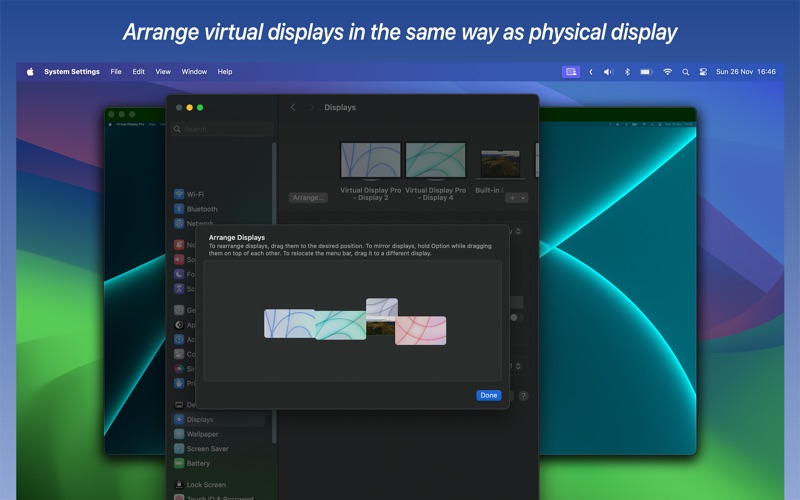
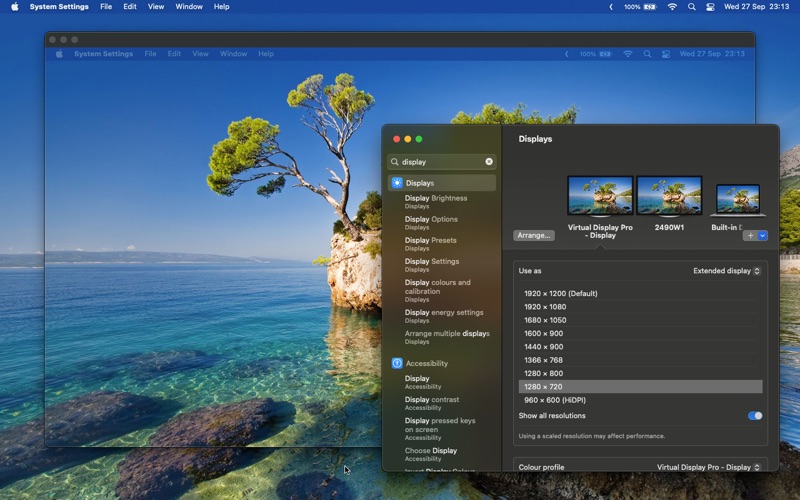
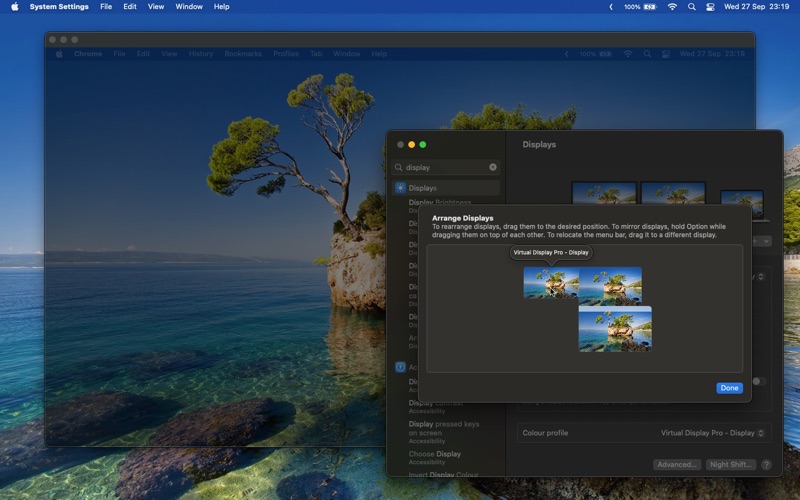
You can adjust the screen resolution in the same way you would for an external monitor — simply navigate to System Settings > Displays.

Virtual Display Pro behaves just like a regular display. When you fire up the app, it's like plugging in an extra monitor!
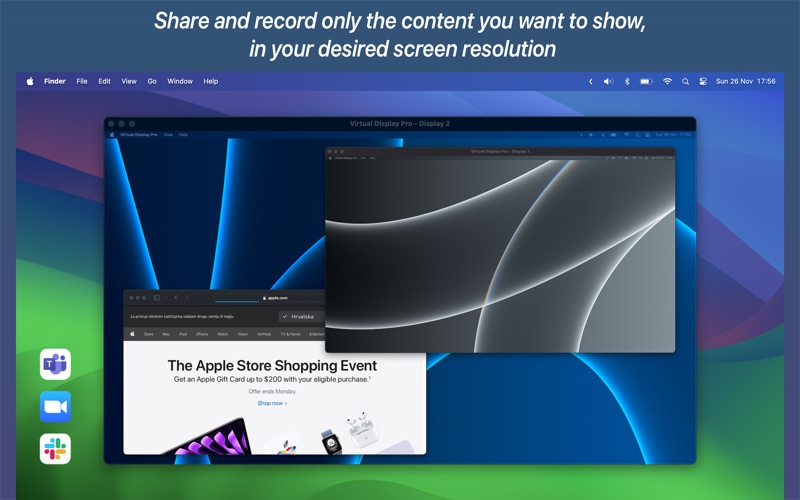
If you have a big screen and you want to share a screen on Microsoft Teams, Zoom, etc. this is the app for you!


This app brings you features like:

- Multiple virtual displays (Up to 4 simultaneously)

- Support for multiple virtual display aspect ratios: 16:9 & 16:10

- Click on the screen to move your mouse directly to a virtual display.

- Resize the display window.

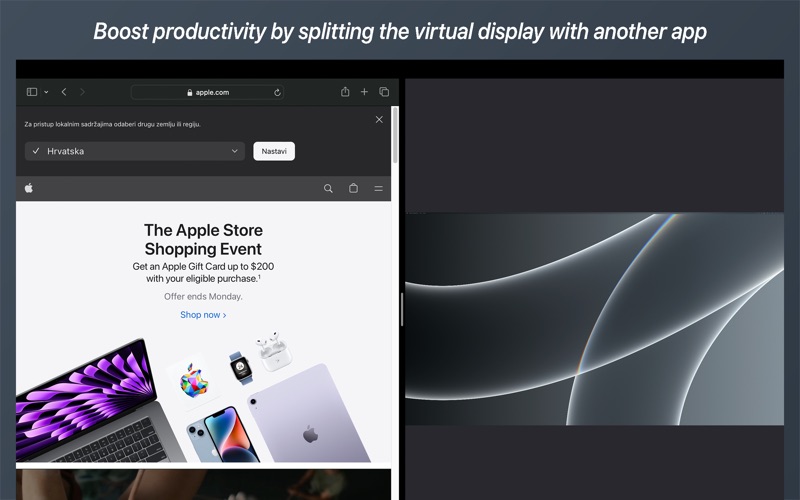
- Full Screen & Split View are supported.

- The preview window can be resized independently of the virtual display resolution aspect ratio, and a feature toggle button is available in the app settings.


Note;
This app requires screen recording permission to work correctly. We do not save or share screen recording data, it is only used to show you the contents of virtual displays that the app creates while using the app.