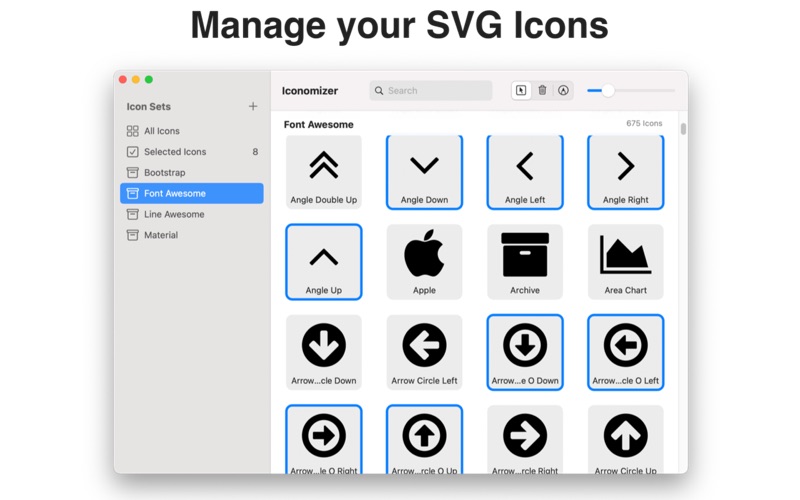
Iconomizer is the easiest way to organize, manage, and export SVG icon collections on your Mac
Iconomizer is the easiest way to organize, manage, and export SVG icon collections on your Mac.

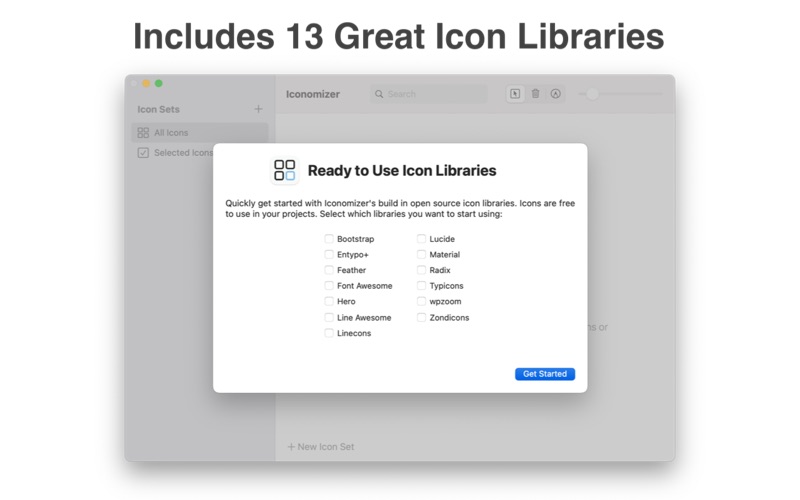
  Import your SVG icons or choose from 13 built-in icon libraries — including
  Font Awesome, Material, Bootstrap, Lucide, Feather, Hero, and more. Organize
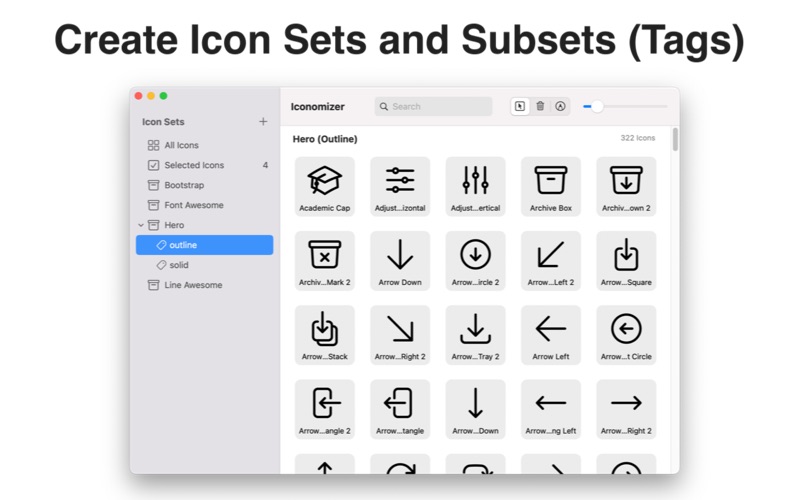
  icons into sets, tag them for quick filtering, and export in the format your
  project needs.

  Organize
  • Create icon sets from folders of SVGs or drag and drop from Finder
  • Tag icons for fast filtering and organization
  • Search and browse your entire icon library
  • Find and import icons from thousands of open source icons via built-in
  search
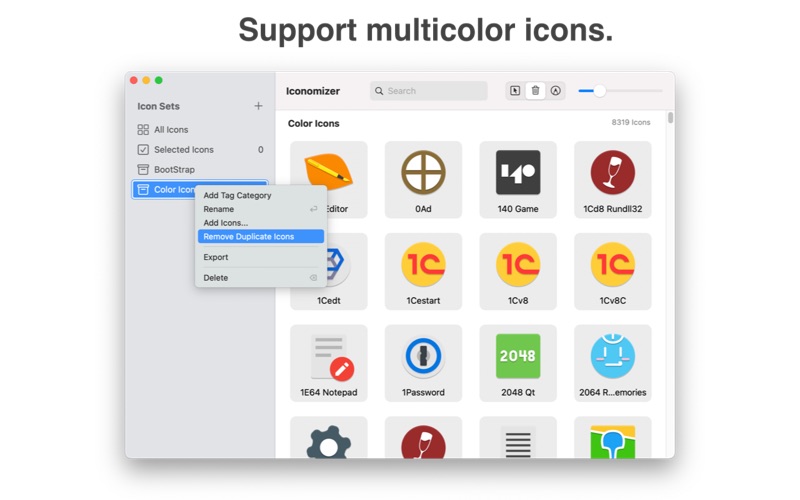
  • Remove duplicate icons automatically

  Export
  • Web Font — TTF, WOFF, and WOFF2 with CSS classes and HTML preview
  • SVG Sprite — single SVG file with symbols, ready for inline use
  • SVG Folder — individual SVG files, optionally organized by tag
  • PNG Folder — batch export at any size from 16px to 1024px
  • PDF Folder — vector PDF files for each icon
  • Copy SVG string or Base64 to clipboard

  Built-in Icon Libraries
  Bootstrap, Entypo+, Feather, Font Awesome, Hero, Line Awesome, Linecons,
  Lucide, Material, Radix, Typicons, wpzoom, and Zondicons — ready to use
  instantly.

  Pro Upgrade
  Unlock additional features with a one-time purchase (not a subscription):
  • Export to web font, SVG sprite, and Base64
  • View unlimited icons in search results
  • Back up and restore icon sets to iCloud
  • Updates are always free