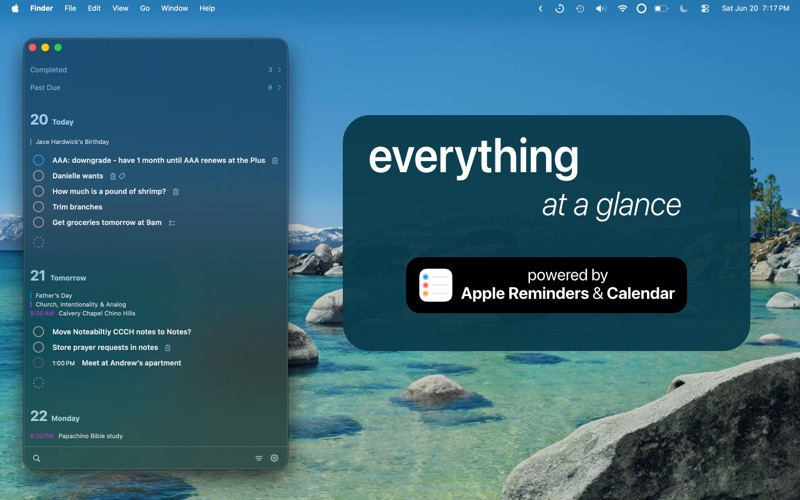
Inspired by Things3 and Sorted³ and Apple Reminders - comes a beautiful way to view your schedule, all powered by Apple Reminders and Calendars
Inspired by Things3 and Sorted³ and Apple Reminders - comes a beautiful way to view your schedule, all powered by Apple Reminders and Calendars!

Want review³ on the go? Check out the iOS/iPadOS version!

Some features include
– Your life in the menu bar or as a floating window (easily move the window anywhere by dragging the top)
– Super quick creation of reminders or events or even a markdown note pad
– NEW: Someday support - you can now review items in your lists that do not have a assigned date
– NEW: More completed item support - you can now review items you have completed in the last 8 days (Today, Yesterday, Previous 7 Days) - super handy with search - everything is collapsible, so only view what you want!
– NEW: Search and tag support - press ⌘F to pull up the new search view
– NEW: Subtasks support - type "[] " to easily start a markdown checklist - you can even toggle the checkmark by clicking it!
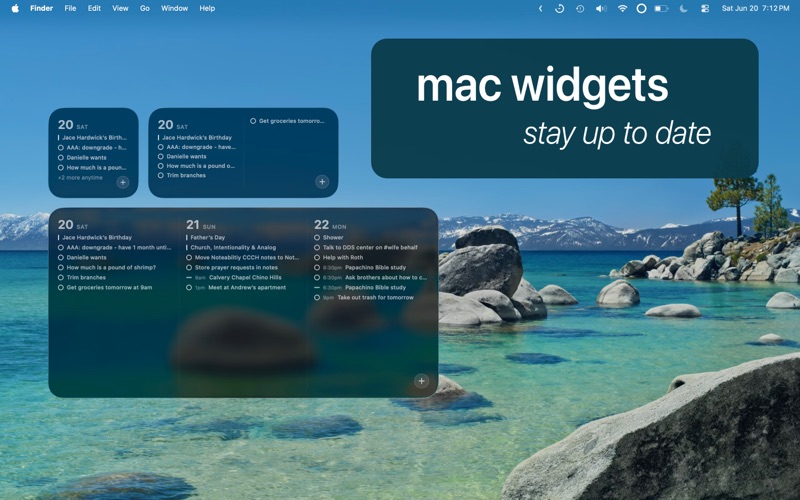
– Mac Widget support
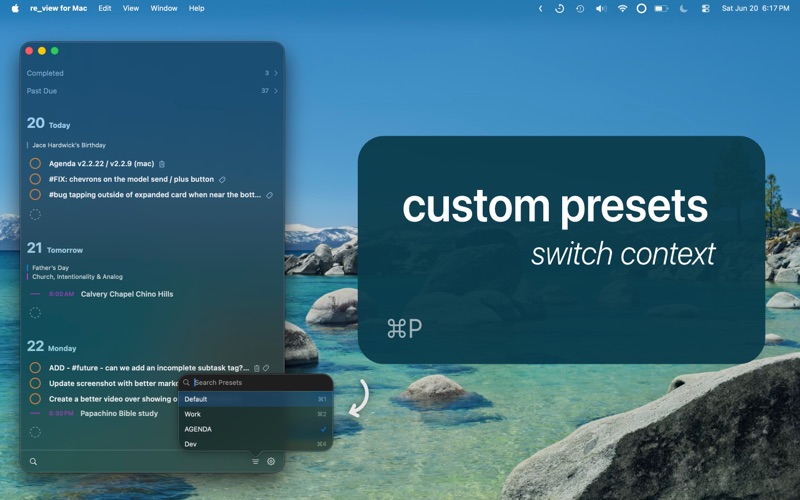
– Preset - easily switch between Home and Work context or set a widget to a specific preset
– Supports natural language date input (English only - press enter with cursor touching blue date)
– Supports drag and drop with a time bar (quickly set the time!)
– See a countdown to the next task for today
– Supports markdown
    - headers
    - bold
    - italics
    - unordered lists
    - numbered lists
    - code blocks
    - checklists (type "[] " to quickly make a checklist)
    - tab / shift + tab on markdown lists to change the indentation
    - click checkbox on a checklist to toggle the checkmark

– Digestible overviews of the week and year, seeing your events and tasks together
– Full keyboard support (more info below)
– and more (with more coming!)

The goal of this app is not to replace your Calendar or Reminders app but to enhance it with quick creation and beautiful and digestible overviews of your schedule. Enjoy!

Keyboard Shortcuts
   Customizable shortcut for opening the menu bar window from anywhere (recommendation: ⌃⌥⌘C)
   ↑ / ↓ to navigate
   ← / → / ⏎ to collapse sections
   ⏎ to open items
   ⎋ to close without saving
   ⌘N to create a new item
   ⌘T to go to today
   ⌘F to search
   ⌘P to open preset selection
   ⌘S / ⌘⏎ to save
   ⌘D to change date
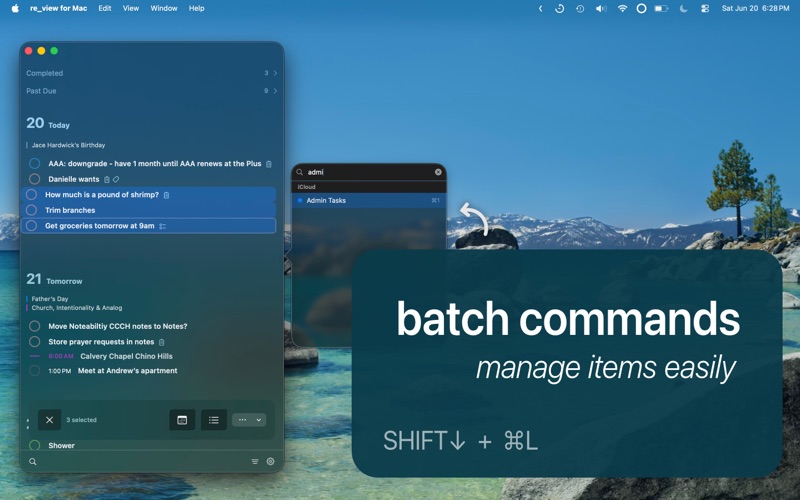
   ⌘L to change list
   ⌘K to complete / uncomplete
   [space] on focused item to select / unselect
   shift ↑ / ↓ to select the item above or below
   [delete] when selected or focused to delete


Previous app name: re:view, re_view
Current app name: review³, review3, review three