VFX Toolbox is for visual effects editors and post-production supervisors working with Final Cut Pro
VFX Toolbox is for visual effects editors and post-production supervisors working with Final Cut Pro.

It provides seven integrated tools for pulling VFX plates from timelines, naming shots, generating title overlays, importing VFX deliveries, extracting shot lists, comparing versions, and exporting metadata codebooks - all driven by FCPXML.

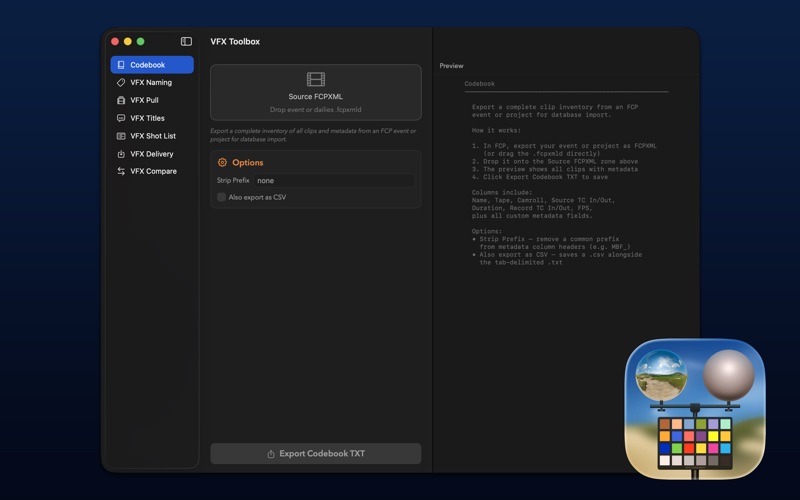
CODEBOOK:
- Export a complete inventory of every clip in an FCP event or project timeline as a tab-delimited file suitable for database import (e.g., FileMaker).

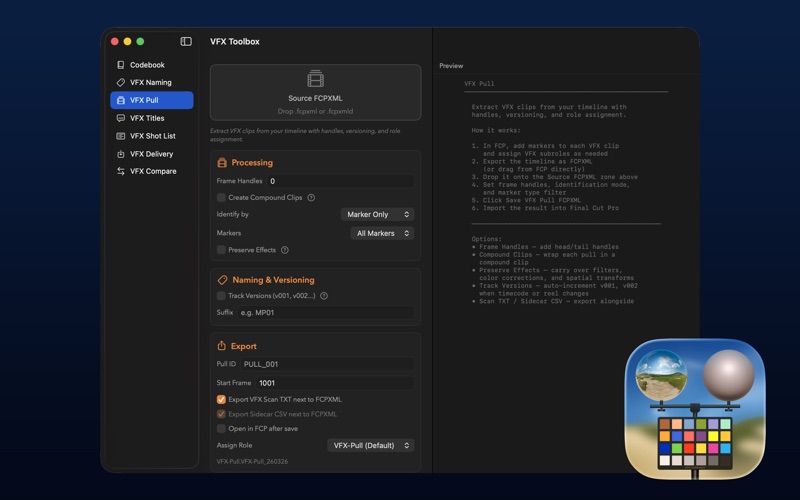
VFX PULL:
- Extract VFX clips from your timeline with handles, versioning, and role assignment. Produces an FCPXML that can be imported directly into Final Cut Pro.

VFX NAMING:
- Batch-rename VFX clips with sequential shot IDs based on scene metadata, a showcode, and incremental counters. Injects chapter markers carrying the generated shot ID into the FCPXML.

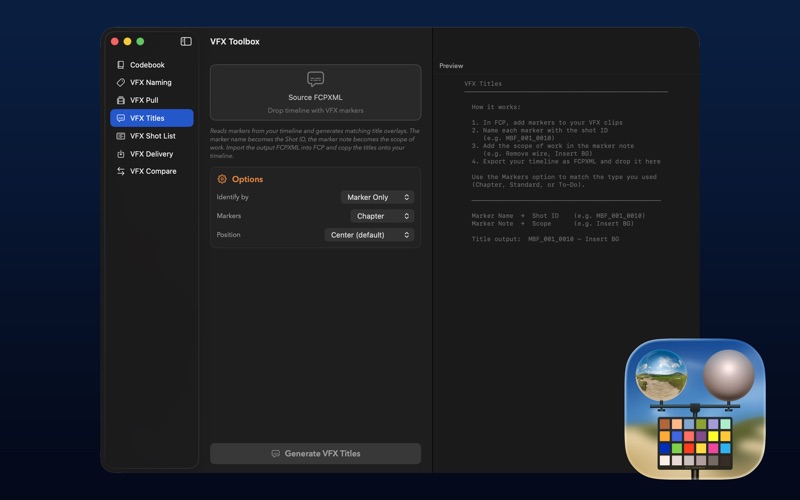
VFX TITLES:
- Generate VFX title overlay clips from markers already present on your timeline. The marker name becomes the Shot ID and the marker note becomes the scope of work. The output is an FCPXML containing a gap with title clips anchored at each marker position, ready to be imported and copied onto your timeline.

VFX SHOT LIST:
- Extract a VFX shot list from your timeline as a tab-delimited TXT or a File129-format EDL.

VFX DELIVERY:
- Match VFX delivery files back to your timeline by marker name and place them as anchored clips in a new FCPXML project.

VFX COMPARE:
- Compare two versions of a VFX shot list and generate a color-coded XLSX spreadsheet report.

VFX Toolbox was created by Sam Pluemacher.

The VFX Toolbox icon was designed by the amazing Matthew Skiles.

VFX Toolbox is supported and maintained by LateNite - the same team behind CommandPost, BRAW Toolbox, Marker Toolbox, Gyroflow Toolbox and many others Final Cut Pro apps you love.

You can find information on System Requirements, Installation and How To Use on our website:

https://vfxtoolbox.fcp.cafe