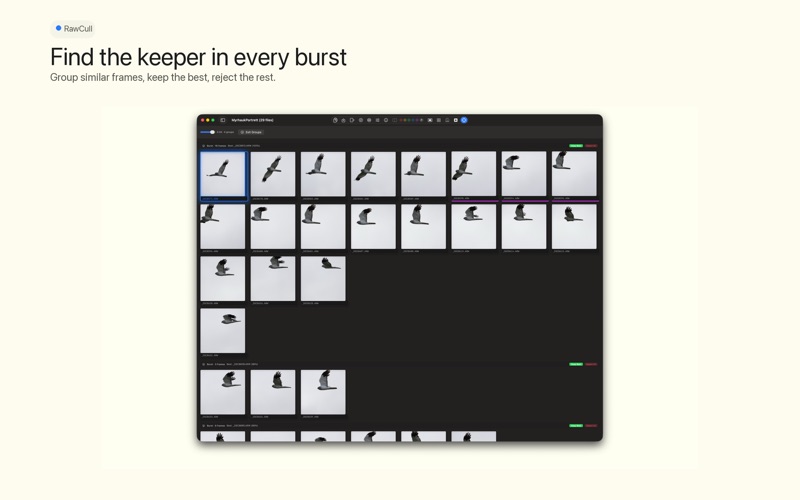
RawCull facilitates the culling process of reviewing images from a photo shoot and selecting only the most suitable ones for professional editing
RawCull facilitates the culling process of reviewing images from a photo shoot and selecting only the most suitable ones for professional editing. Your typical workflow involves the following steps:

1. Copy images from your camera to a temporary catalog on your Mac.
2. Review each photo and mark the ones that are worth keeping.
3. Rate the marked photos based on quality and editing priority.
4. Copy only the marked and rated photos to a final catalog.
5. Import the final catalog into your photo editing application.

This streamlined process enables you to:

* Quickly identify and select high-quality shots
* Eliminate out-of-focus or blurry photos
* Remove duplicates and similar frames from burst mode
* Prepare only your best images for professional editing
* Maintain organization before the editing phase