



Description
ClawRelay runs a local OpenAI-compatible proxy on your Mac
ClawRelay runs a local OpenAI-compatible proxy on your Mac. Point your AI tools at it once, and it takes it from there.

HOW IT WORKS

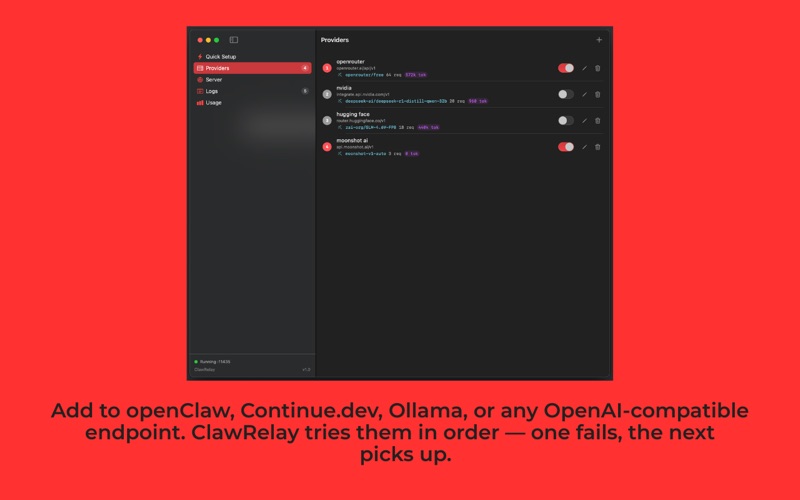
Add your LLM providers (OpenAI, Groq, Nvidia NIMs, Ollama, or any service with an OpenAI-compatible API) in priority order. When a request comes in, ClawRelay routes it to the first available provider. If that one fails (rate limit, outage, timeout), it silently tries the next. Your tools stay connected.

CONNECT ANY CLIENT

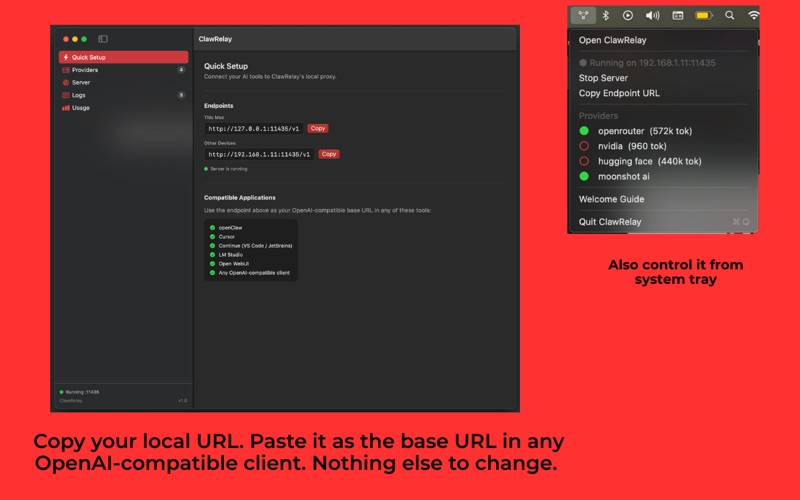
Anything that accepts a custom OpenAI base URL works with ClawRelay ( like OpenClaw) :

  Base URL: http://localhost:11434/v1
  API Key:  optional

openClaw , Continue.dev, LM Studio, openClaw.ai, Python scripts using the openai library. If it talks to OpenAI, it talks to ClawRelay.

NETWORK ACCESS

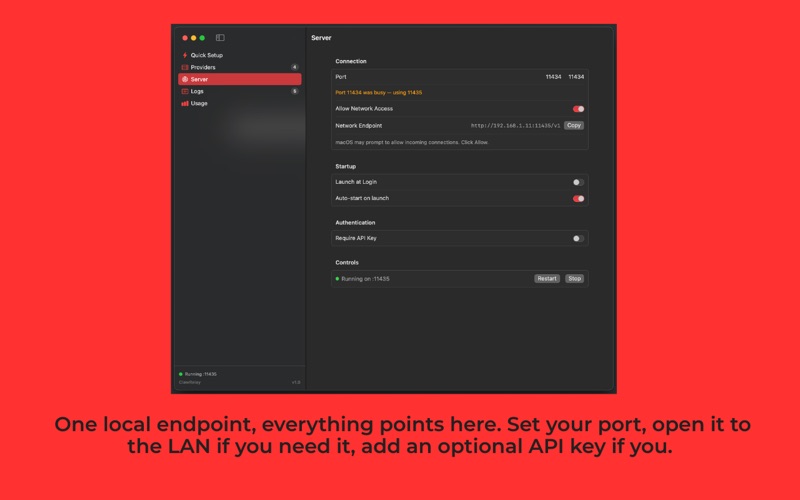
By default ClawRelay binds to localhost. You can also expose it on your local network so phones, tablets, and other machines can use the same setup. Or put Cloudflare Tunnel or ngrok in front and reach it from anywhere.

YOUR KEYS STAY LOCAL

Your provider API keys are stored in the macOS Keychain, not in config files, not in the app's data store. If you want to restrict who can connect to ClawRelay, you can generate an optional access key inside the app in one click.

NO OVERHEAD

ClawRelay is a native Swift app. No Docker. No background Node process. No Electron. It lives in your system tray and uses almost no resources when idle.

BUILT FOR DEVELOPERS

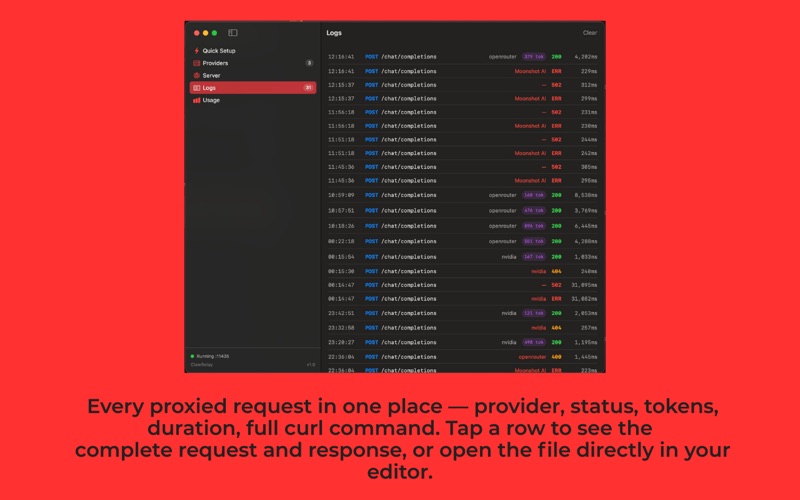
- Full request and response logs with timing
- Fetch available models directly from any provider
- Set a default model per provider with optional model override for clients
- Supports streaming responses (SSE) with full token usage tracking
- Works with any OpenAI-compatible API endpoint
