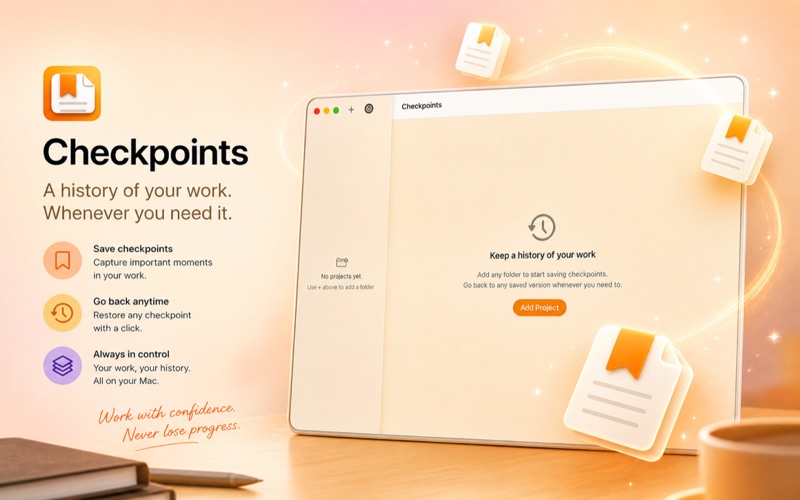
Checkpoints gives you safe, simple version history for the folders you care about
Checkpoints gives you safe, simple version history for the folders you care about.

Save a checkpoint before a big rewrite. See exactly what changed between two points in time. Restore a file or your entire project with one click — and your old files always go to the Trash first, so nothing is ever truly gone.

**What Checkpoints does**
• Tracks any folder on your Mac as a project
• Lets you save named checkpoints at any moment
• Shows a clear timeline of everything you've saved
• Compares any two versions side by side
• Restores individual files or full project state safely
• Works completely offline — your files never leave your Mac

**Who it's for**
Checkpoints is built for writers, researchers, solo founders, designers, consultants, and anyone who manages important work in folders of documents, drafts, notes, and assets — without wanting to learn Git, Terminal, or complex backup software.

**Safe by design**
Before any restore, Checkpoints moves your current files to the Trash first. You stay in control. Nothing is overwritten without your confirmation.

**Works with Claude**
Checkpoints includes a built-in connection for Claude Desktop. Use it to create checkpoints, review what changed, and restore earlier versions through natural conversation — "save a checkpoint before I change this," "what changed since yesterday," or "go back to my version from last Thursday."

**Your data stays yours**
All version history is stored locally on your Mac. No account. No cloud. No subscription. Your work and your history belong to you.