Race morning moves fast. Race Check In turns any iPhone or iPad into a check-in station, so volunteers can get runners through the line without a laptop or a printed roster.

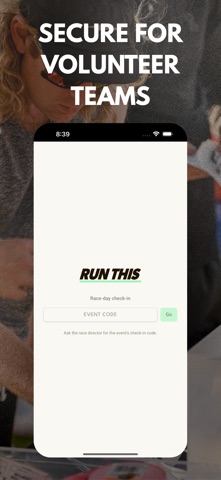
Enter your event's private check-in code and the participant list loads. Search a name, or scan a runner's check-in pass with the camera. Tap, and they're in.

AT THE CHECK-IN TABLE
• Scan a runner's QR check-in pass, so there is no typing and no spelling out names
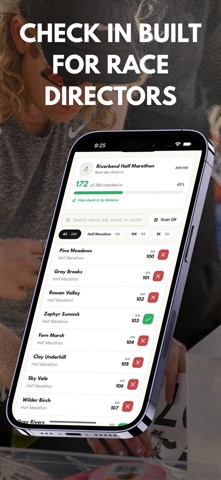
• Search by name, bib number, email, or confirmation number
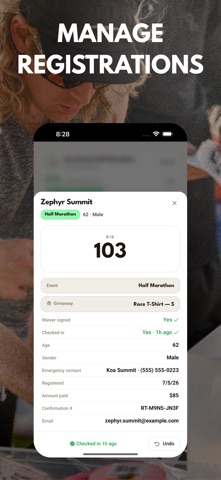
• Tap any runner for what you need at the table: bib, distance, waiver status, shirt size, emergency contact
• Assign or correct a bib number on the spot
• Track packet pickup and giveaway handout separately from check-in

KNOW WHERE YOU STAND
• A running count of who has checked in and who has not
• Progress broken out by distance, for events running a 5K, 10K and half at once
• Undo a check-in if someone is marked by mistake

MADE FOR VOLUNTEERS
• No account and no login. Just the code from your race director.
• Everyone working the table uses the same code
• Race directors choose which participant details volunteers can see

Race Check In works with events that use Run This for registration. You will need a check-in code from your race director to get started.