Description
CompoundWrap automatically wraps clips already used in Final Cut Pro edits into Compound Clips inside FCPXML projects
Description

CompoundWrap automatically wraps clips already used in Final Cut Pro edits into Compound Clips inside FCPXML projects.

After processing, you can replace the contents of Compound Clips while preserving:

• timeline edits
• clip positions
• connected clips
• project structure

The app is especially useful when:

• standard relink workflows are not suitable
• source files need to be replaced manually
• timecodes between media sources do not match
• media was imported from another application
• source files were replaced or moved


How It Works

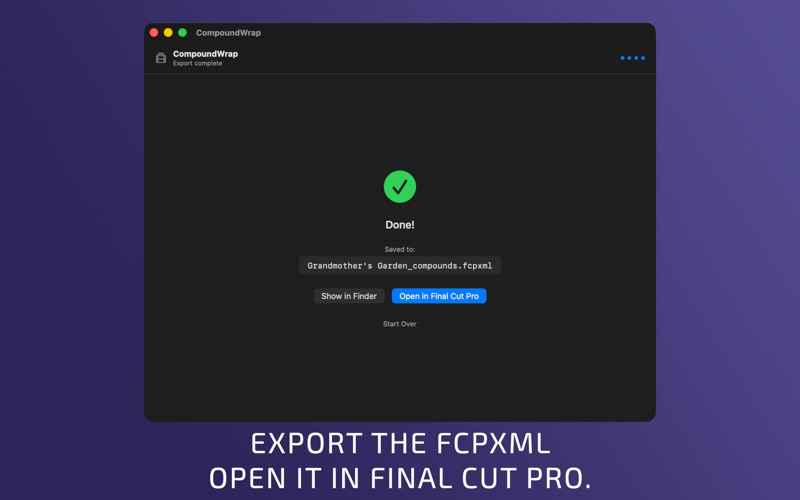
1. Export FCPXML from Final Cut Pro
2. Open the file in CompoundWrap
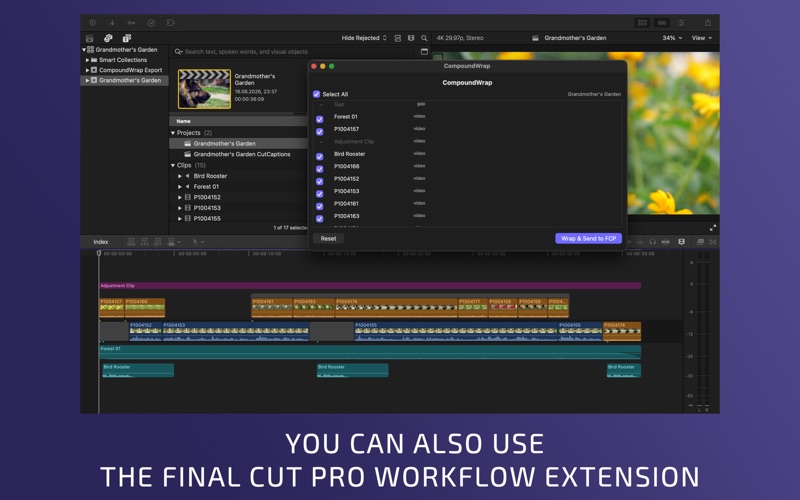
3. Select which clips should be wrapped into Compound Clips
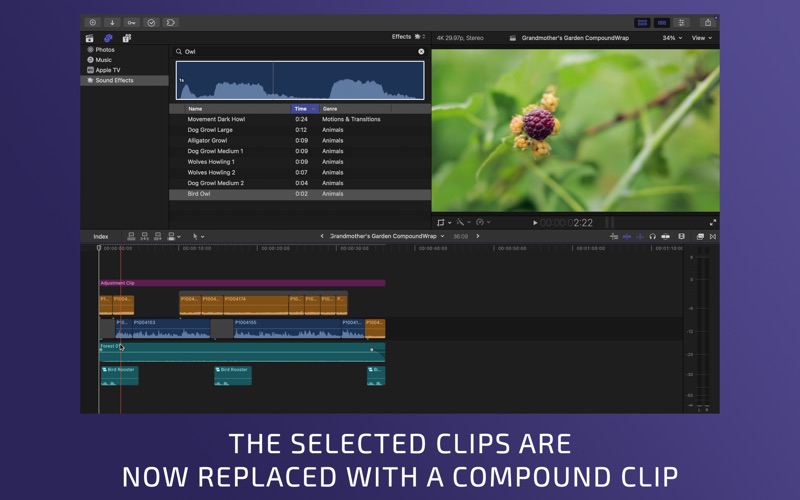
4. CompoundWrap automatically creates Compound Clips and replaces the selected clips with them
5. Import the updated FCPXML back into Final Cut Pro


Why Use CompoundWrap

Alternative Relink Workflow

CompoundWrap helps prepare projects for workflows where standard relink methods are not suitable.

Different Media Workflows

Different cameras, applications, and pipelines can use different media workflows and file structures. CompoundWrap helps preserve edits during media replacement.


What Is Preserved

• Timeline edits
• Connected Clips
• Clip positions
• Compound Clips
• Source timecode and media settings
• Project structure


What Is Not Modified

To preserve compatibility and FCPXML stability, CompoundWrap does not wrap certain clip types and complex project structures.

The app automatically skips:

• Multicam Clips
• Compound Clips
• Auditions
• Retimed Clips
• Sync Clips

These elements remain unchanged.

Final Cut Pro Workflow Extension

CompoundWrap also includes a Final Cut Pro Workflow Extension for faster access directly inside Final Cut Pro.

Open selected clips from the timeline and quickly prepare them for Compound Clip wrapping workflows without leaving your editing environment.


Local Processing

CompoundWrap runs entirely locally on your Mac.

• No subscription
• No cloud processing
• No media uploads
• No project size limits