


Description
Cropic turns ordinary screenshots into images worth sharing
Cropic turns ordinary screenshots into images worth sharing. Stitch multiple screenshots into one long picture, or dress up a single shot with a device frame, a beautiful background, and your own text - all in a few taps.

STITCH SCREENSHOTS INTO ONE IMAGE
Combine chat logs, articles, receipts, and anything else that doesn't fit on one screen. Cropic merges your screenshots vertically into one long image - or horizontally when you need a side-by-side view. Reorder, align, and fine-tune the result before you save.

MAKE ANY SCREENSHOT BEAUTIFUL
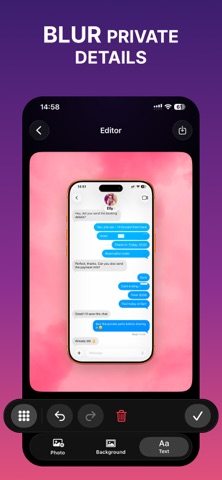
A plain screenshot rarely looks good on social media or in a presentation. Cropic fixes that:

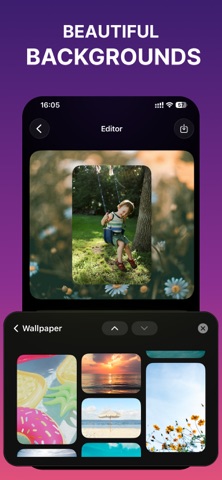
Backgrounds - solid colors, smooth gradients, or stunning photos to place behind your screenshot
Device frames - wrap your shot in beautiful device mockups
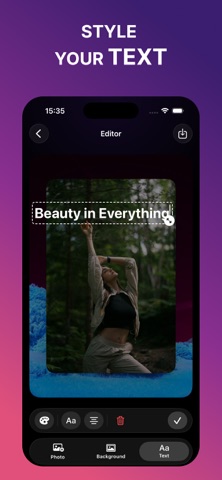
Text - add captions and titles, then drag them exactly where you want, with full control over position and style
Aspect ratios - one tap to switch between 1:1, 4:5, 9:16, 16:9, and more
Crop - trim status bars, edges, and anything you don't need


BUILT FOR SHARING
Every canvas preset matches the platform you're posting to, so your screenshot looks right the first time - no manual resizing, no awkward borders. Import images straight from the share sheet and export in high resolution.

WHO IS CROPIC FOR?
— Anyone saving long chats, threads, and articles as a single image
— Developers and designers showcasing their apps in device mockups
— Marketers and bloggers preparing screenshots for posts, ads, and articles
— Support teams and testers documenting bugs step by step
— Students and professionals capturing notes, receipts, and documents

WHY CROPIC?


Fast: from screenshots to a share-ready image in seconds
Simple: a clean, focused editor - no learning curve
Flexible: stitch, frame, caption, and resize in one app
Private: everything is processed on your device


Download Cropic and never share a boring screenshot again.

Some features may require a subscription.

Terms of Use: https://forestlamp.github.io/CropicDocs/Terms.html
Privacy Policy: https://forestlamp.github.io/CropicDocs/Privacy.html
