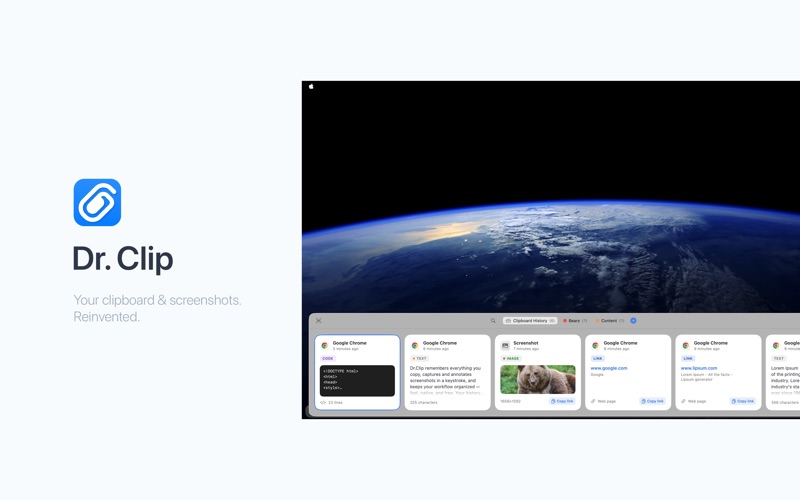
Dr. Clip keeps everything you copy within easy reach and turns screenshots into something you can mark up and share in seconds.

CLIPBOARD HISTORY
• Every text, link, image, and file you copy is saved to a fast, searchable history.
• Open the panel with a hotkey (⌘2 by default) or from the menu bar.
• Double-click any card to paste it straight into the app you're working in.

STAY ORGANIZED
• Pin the snippets you reuse most.
• Group items into colored folders.
• Instant search across everything you've copied.

SCREENSHOTS WITH MARKUP
• Capture any part of your screen.
• Annotate with arrows, shapes, highlighter, and text, then crop.
• Save it, copy it, or upload to get a shareable link.

PRIVACY FIRST
• Your history stays on your Mac.
• Items copied from password managers are automatically skipped.
• Optional anonymous analytics — never your clipboard content. Turn it off anytime.

Dr. Clip lives in your menu bar and stays out of your way until you need it.