Standish puts a rubber stamp on your PDFs — the way it should work on a Mac.

Drop in a PDF, place your stamp exactly where it belongs, and save. That's the whole workflow. No accounts, no cloud, no subscription. Your documents never leave your Mac.

BUILT FOR STAMPING
• Keep a library of your stamps — company seals, "PAID", "APPROVED", signatures, anything you can put in an image
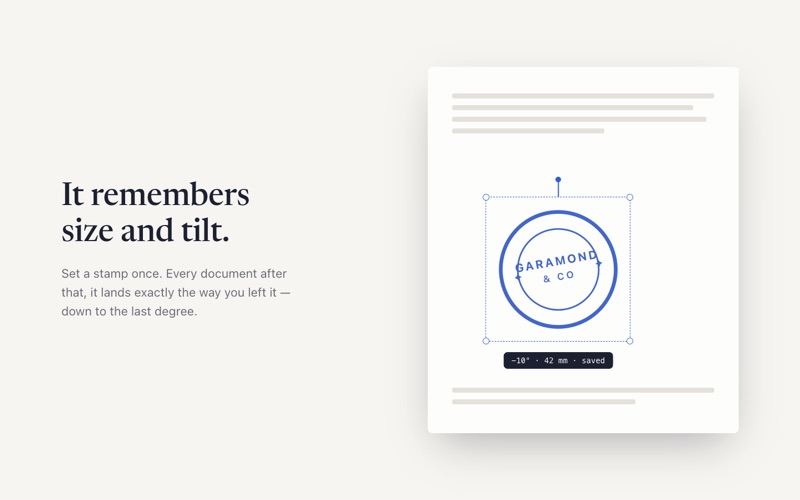
• Place a stamp with one click, then drag, resize, and rotate it freely
• Stamps are flattened into the page when you save, so the document prints and shares exactly as you see it
• Page thumbnails for quick navigation through long documents

FAST
• Opens instantly and gets out of your way
• Drag a PDF onto the window or press ⌘O
• Fit-width zoom that follows the window until you take over
• Keyboard shortcuts for everything that matters

PRIVATE BY DESIGN
• 100% offline — Standish makes no network connections
• No analytics, no tracking, no data collection of any kind
• Runs in the macOS App Sandbox and only touches files you choose

Standish does one thing well: it gets your stamp onto a PDF and the PDF back out the door. If you stamp invoices, contracts, delivery notes, or approvals, this is the tool missing from your Dock.