Your photos live in iCloud, but the originals aren't really in your hands. PicFrom brings them home.

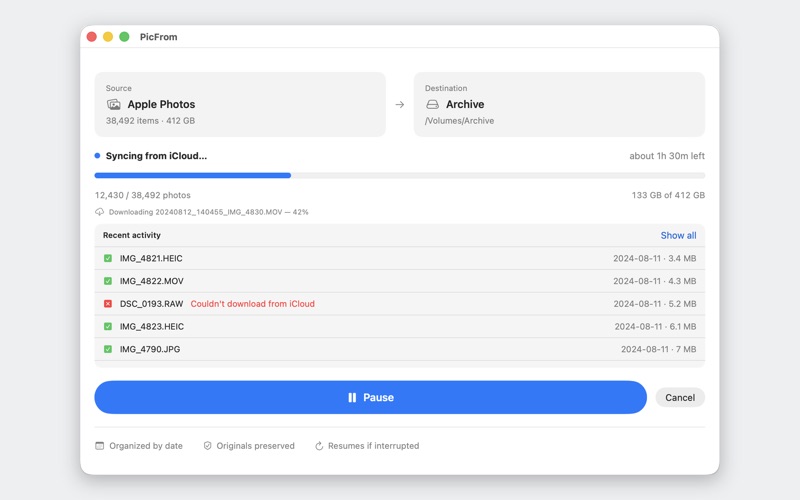
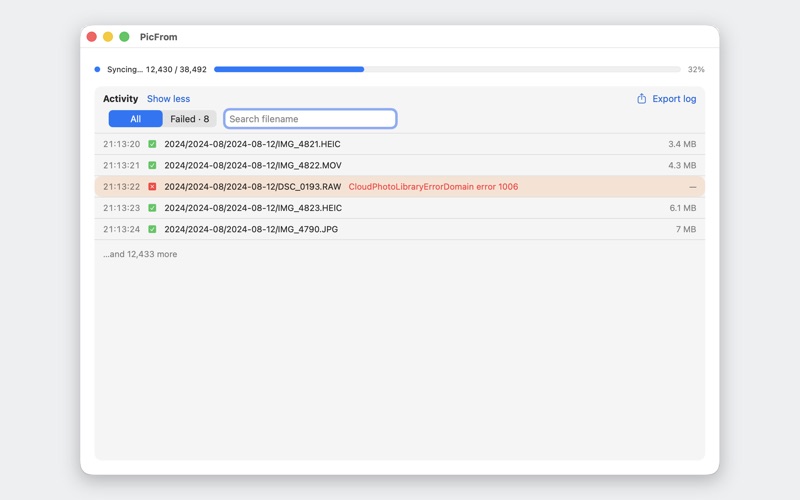
Press one button and PicFrom copies every original photo and video out of Apple Photos and iCloud into an ordinary folder on a disk you choose, sorted by the date each one was taken. You end up with real files you can open, back up, and keep, and you won't need a special app to read them later.

WHY PICFROM

• You own the result. Plain files in Year / Month / Day folders that open on any Mac, PC, or drive.
• Originals, untouched. PicFrom copies the exact original bytes, so nothing is re-compressed and no quality is lost.
• Private by design. No account, no password, and nothing routed through an outside cloud. Your photos go straight from this Mac to your disk, and nothing is uploaded to us.
• Start it and walk away. It runs on its own, even over a 400 GB library.

BUILT FOR REAL LIBRARIES

• Incremental and resumable. If sleep, an unplugged drive, or a dropped connection interrupts it, run it again and it picks up where it stopped. It never re-downloads what's already saved.
• Only the new ones. After a full run, syncing again grabs just the photos you've taken since.
• Live Photos, RAW+JPEG, and edited versions are all handled. Live Photos keep their paired video, and RAW+JPEG keeps both originals.
• Files carry their capture date, so Finder and other apps show when each photo was really taken.

HOW IT WORKS

Grant access to your photo library.
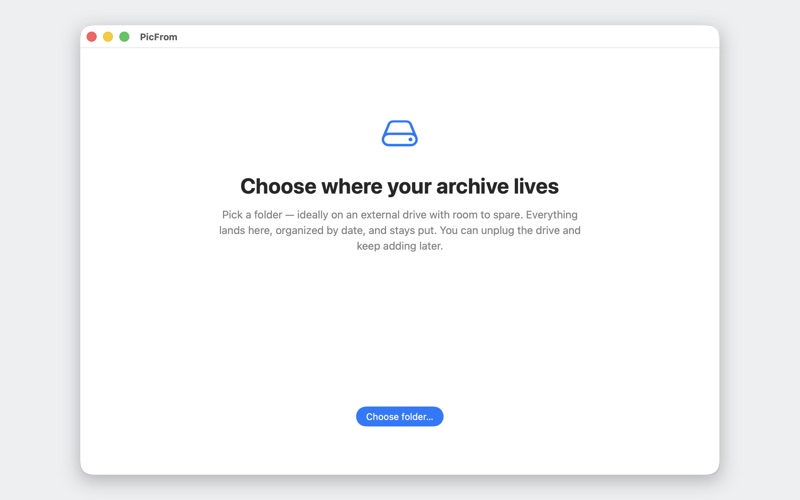
Choose a destination folder on an internal or external disk.
Press Sync and walk away.
PicFrom uses Apple's own Photos framework and your Mac's existing iCloud session to fetch full-resolution originals. It never asks for your Apple ID or password.

Your memories, as real files, on a disk you control.