

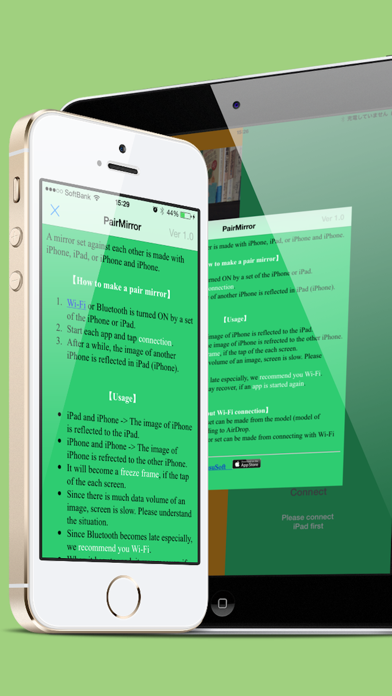
Description
Please note: In iOS 9 and later, Bluetooth connection can not be made
Please note: In iOS 9 and later, Bluetooth connection can not be made. Please connect in the same Wifi environment.

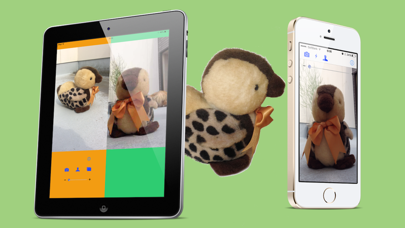
A mirror set against each other is made with iPhone, iPad, or iPhone and iPhone.
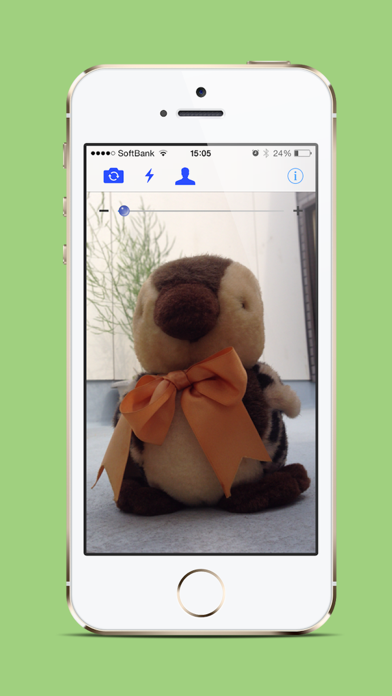
- The check of a hairstyle or a profile!
- Turn on the flashlight on iPhone and check the dark place on the reverse side of a wardrobe!
Of course, iPhone or iPad can be used only by one piece.

【How to make a pair mirror】
1. Wi-Fi is turned ON by a set of the iPhone or iPad.
2. Start each app and tap "connection".
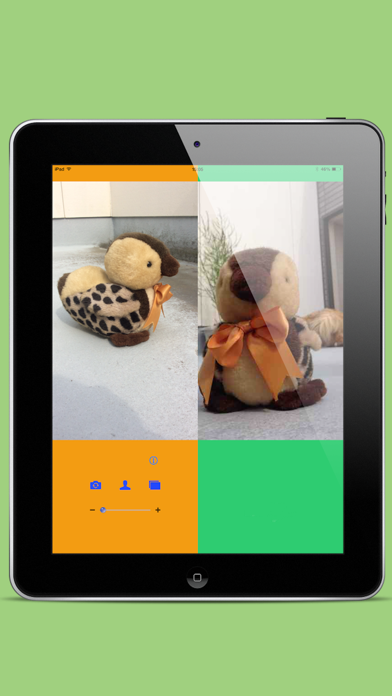
3. After a while, the image of another iPhone is reflected in iPad (iPhone).

【Usage】
 - iPad and iPhone -> The image of iPhone is reflected to the iPad.
 - iPhone and iPhone -> The image of iPhone is refrected to the other iPhone.
 - It will become a "!freeze frame", if the tap of the each screen.
- Since there is much data volume of an image, screen is  slow. Please understand the situation.
- Since Bluetooth becomes late especially, we recommend you Wi-Fi.
- When it has stopped, it may recover, if each app is started again.

【About Wi-Fi connection】
If Wi-Fi is turned ON, a mirror set can be made from the model (model of Lightning connector) corresponding to AirDrop.
From the model before it, a mirror set can be made from connecting with Wi-Fi of the same network.
