

Description
Your entire photo library, copied to real folders you can use anywhere
Your entire photo library, copied to real folders you can use anywhere.

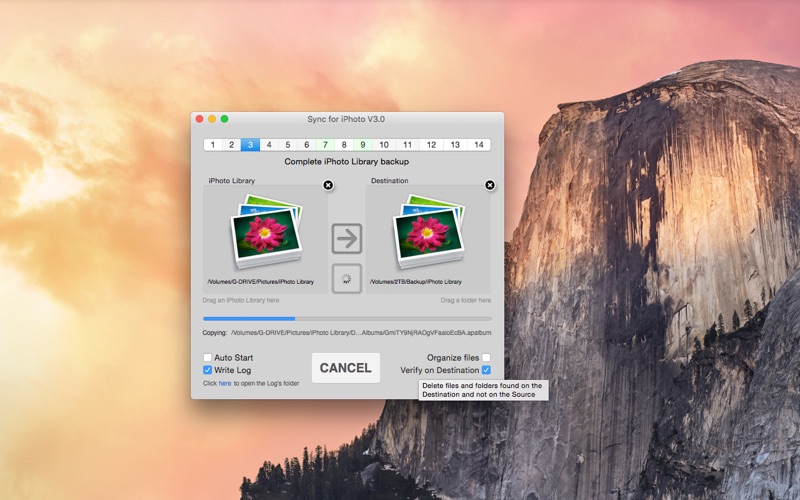
Sync for iPhoto copies the photos and videos from your Photos library into plain folders — on an external drive, a NAS, a USB stick or any folder you choose. No database, no special software on the other side: just your photos, neatly organized, readable from Windows, TVs, media players and any backup tool.

Getting started takes three clicks: press "Use Default Library" to connect the Photos library on your Mac, drag in a destination folder, and press START. The app asks for permission to read your photos once, exactly when you connect the library — never before.

Synchronization is one-way and incremental: your library is only ever read, and after the first copy only new and changed photos are transferred. Add photos in Photos, run the app, done.

ORGANIZE YOUR WAY
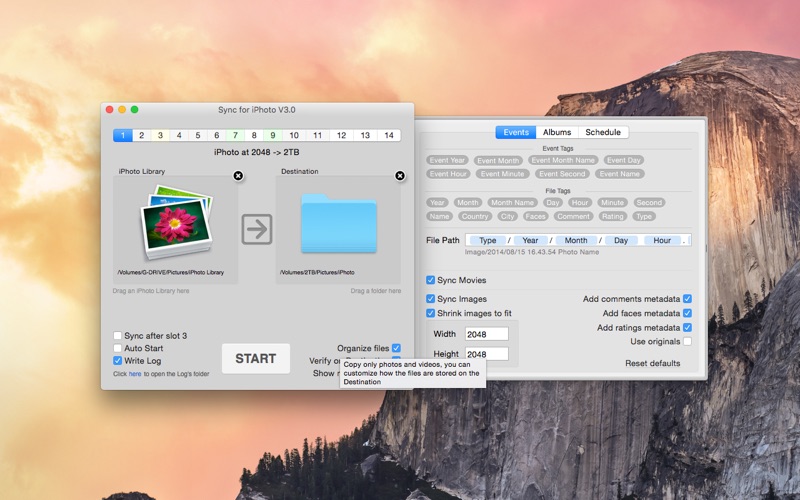
▪ By date: photos grouped into folders by year, month or day — you design the folder and file names with simple tags.
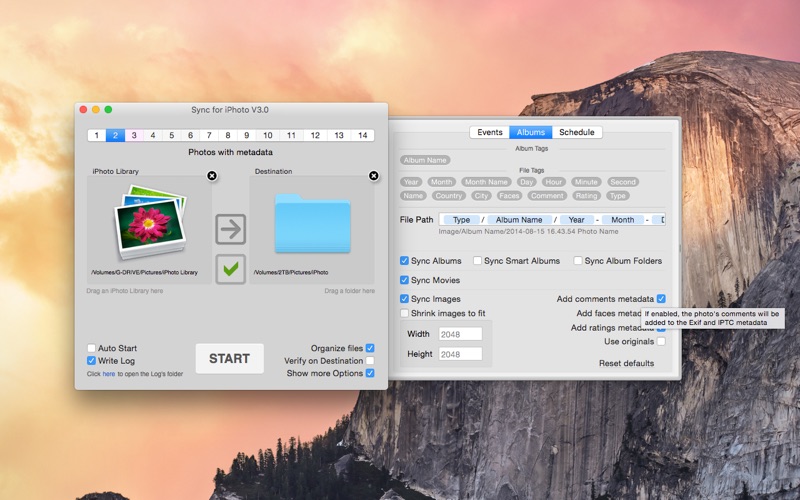
▪ By album: your albums and album folders recreated as real folders.
▪ Copy the edited photos as you see them in Photos, or the untouched originals.
▪ Convert photos to JPEG — perfect when the destination can't display HEIC.
▪ Resize photos to a maximum width and height.
▪ Photos only, videos only, or both.
▪ Filters by date, name, country or city choose exactly what gets copied.

SET IT AND FORGET IT
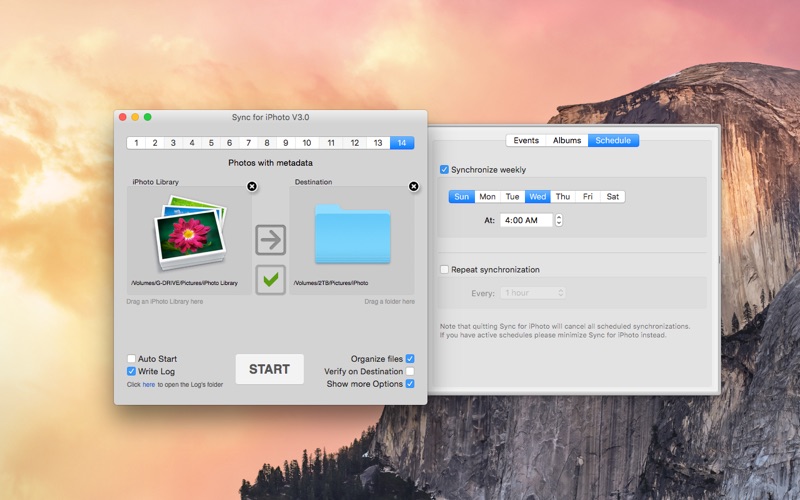
▪ 14 independent sync setups, each with its own source, destination and options.
▪ Scheduled synchronizations: weekly, or repeating every few minutes.
▪ Optional mirror mode ("Delete on Destination") removes copies of photos you deleted from the library.
▪ Queue syncs to run one after another, or run them at the same time.
▪ Safe to cancel at any time — continue later from where it stopped.
▪ Every operation can be written to a log file.
▪ Fully scriptable with AppleScript.

OLD LIBRARIES WELCOME
Still have an iPhoto library, or a Photos library from an older Mac? Drag it in — Sync for iPhoto reads iPhoto and classic Photos libraries directly, including extras like embedding comments, faces and keywords into the copied files' EXIF/IPTC metadata.

FAQ

• Does the app change my Photos library?
Never. The library is only read; photos are copied out of it.

• What happens when I delete photos in Photos?
Your choice: with "Delete on Destination" enabled, their copies are removed on the next sync, keeping a perfect mirror. Leave it off to keep everything that was ever copied.

• My photos are in iCloud — does this work?
Yes. If "Optimize Mac Storage" is enabled, photos are downloaded automatically as they are copied.

• Is it safe to cancel an ongoing synchronization?
Yes, at any time. The next sync can continue right where it stopped.

Sync for iPhoto requires macOS 11 or later and syncs the library currently set as the System Photo Library. iPhoto and classic Photos libraries can be synced from any location.
