
RevMov - Reverse Video Editor

RevMov - Reverse Video Editor

0.0 32.40MB 0 Free
Version 4.6 Updated 2025-08-17 Developer REAFO CO., LTD.
  • RevMov - Reverse Video Editor screenshot
  • RevMov - Reverse Video Editor screenshot
  • RevMov - Reverse Video Editor screenshot
  • RevMov - Reverse Video Editor screenshot
  • RevMov - Reverse Video Editor screenshot
  • RevMov - Reverse Video Editor screenshot
RevMov - Reverse Video Editor screenshot

Description

Make a reversing playback video with this app

Make a reversing playback video with this app.

-- How to use.
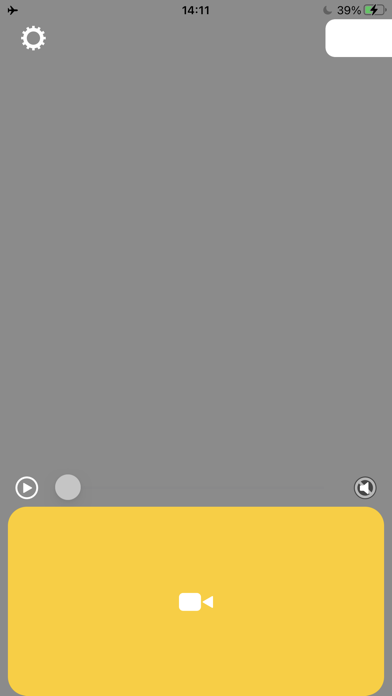
1. Select a video.
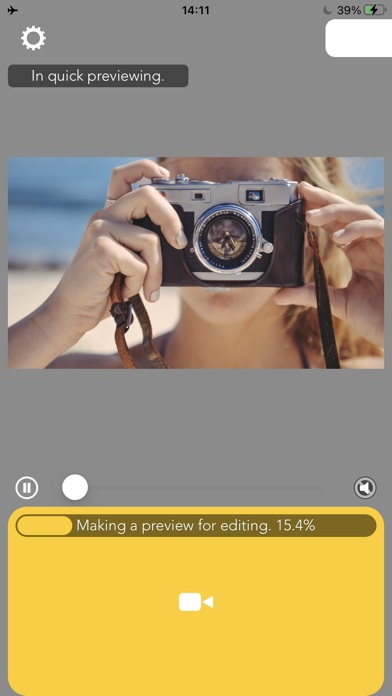
2. Wait for making a preview.
3. Press Save.

-- Editing
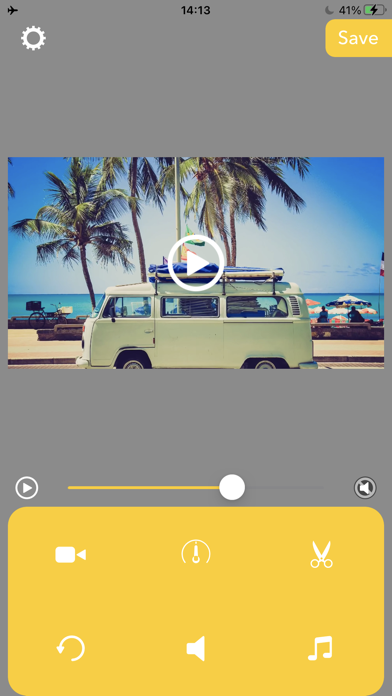
After finished making preview, you can edit the reversed video like below.

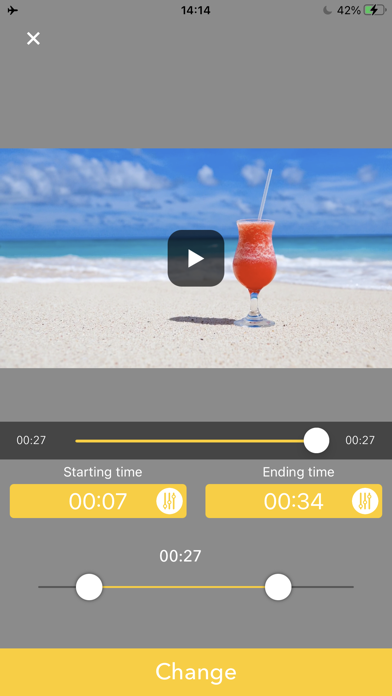
Triming:Press Scissors icon then set the time range you want to need.
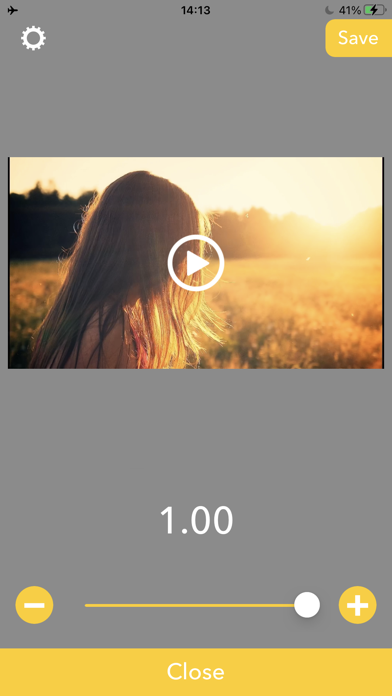
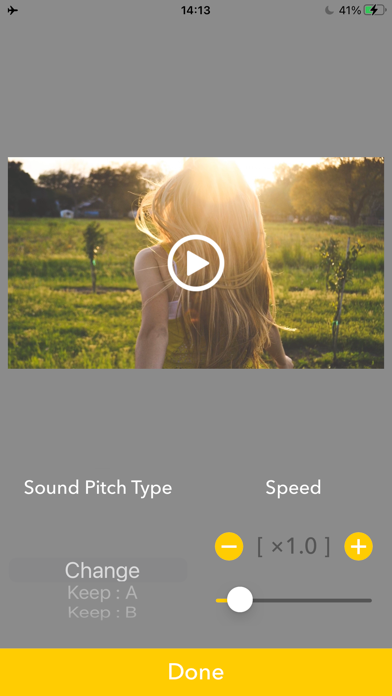
Playbackspeed:Press Meter icon then set the playback speed to be fast forward/slow motion.
Volume:Press Speaker icon then set the volume you want to set.
BGM:Press Music note icon then adds BGMs.
Reset Editing:Press circle arrow icon to reset these editings.
Category: () Version: 4.6 BundleId: net.reafo.app.RevMov Developer: REAFO CO., LTD. Updated: 2025-08-17

In-App Purchases

1 items 1 currencies
1 中国

Item

¥ 0 CNY