Tap Remote turns your iOS device into a powerful remote control for your Mac computer
Tap Remote turns your iOS device into a powerful remote control for your Mac computer. More than just a Keyboard, Mouse and Trackpad, Tap Remote also gives you control over the Mac system Dock as well as controlling your favourite apps like Spotify and iTunes.

Enjoy these Features for FREE:

-> Simulated Mouse - Left, Right and Double-Click
-> TrackPad - Two finger scroll just like on your Macbook
-> Keyboard - select from various layouts (email, numeric)
-> Full support for Portrait and Landscape mode
-> Media Remote - control your favorite audio and video apps
-> Customize the interface with color themes
-> Control and view the Mac system Dock
-> Connect to any computer on your network
-> Password protection


Upgrade to the Pro version and get these features:

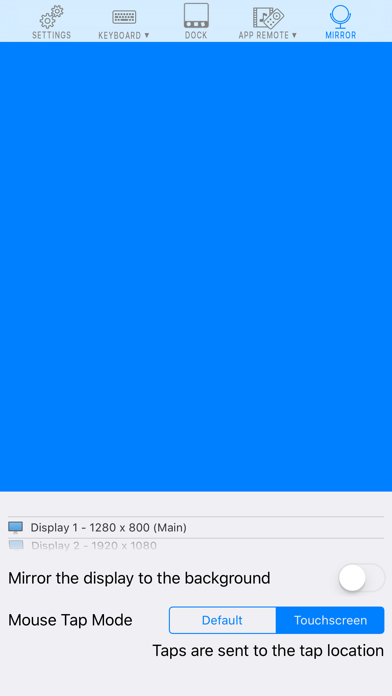
-> Mirror your desktop to your iOS device
-> Presentation remote
-> Extended Keyboard


3 Simple steps to get started:

1) Visit https://dodisoftware.com/tapremote and download the Mac client software
2) Run the Mac client software and the iOS app
3) Connect by entering the IP Address or scanning the QR code