
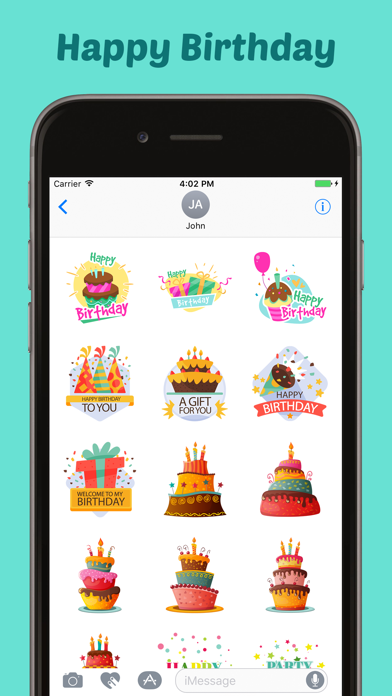
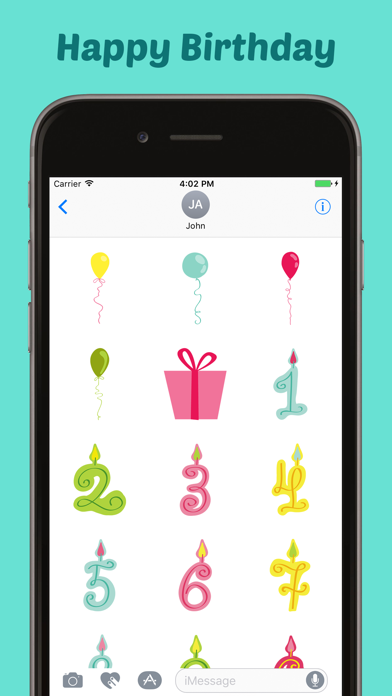
Happy Birthday Stickers Pack!
0.0 6.04MB 0 ¤15.00
Version 1.1
Updated 2020-07-02
Developer Mobisoft Labs


Description
Use it in all your chats, send beautiful stickers and images to your friends and family
Use it in all your chats, send beautiful stickers and images to your friends and family.

How to Access Stickers in iMessage:
1.  Open messages app
2. Compose a new message to anyone
2. Tap App Store icon in top left corner
3. Tap four circles icon in bottom left corner
4. Sticker Pack icon should appear in your iMessage App Drawer
5. If Stickers don’t appear, tap “Store" icon and then tap “Manage" tab to add sticker pack to iMessage Sticker Drawer
Category: Entertainment(69457)
Version: 1.1
BundleId: com.goldeneagle.birthdaysticker
Developer: Mobisoft Labs
Updated: 2020-07-02
