

Description
Cryptext is a secure text editor for macOS with built-in AES encryption
Cryptext is a secure text editor for macOS with built-in AES encryption.

Write, encrypt, save and share sensitive texts without ever leaving your Mac. Whether you're protecting personal notes, passwords, business information or confidential documents, Cryptext provides a simple, fast and fully local environment.

— BUILT-IN AES ENCRYPTION —

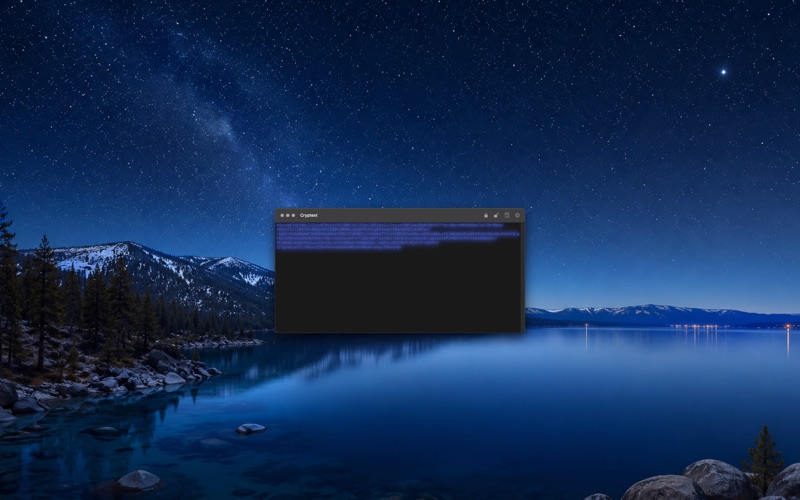
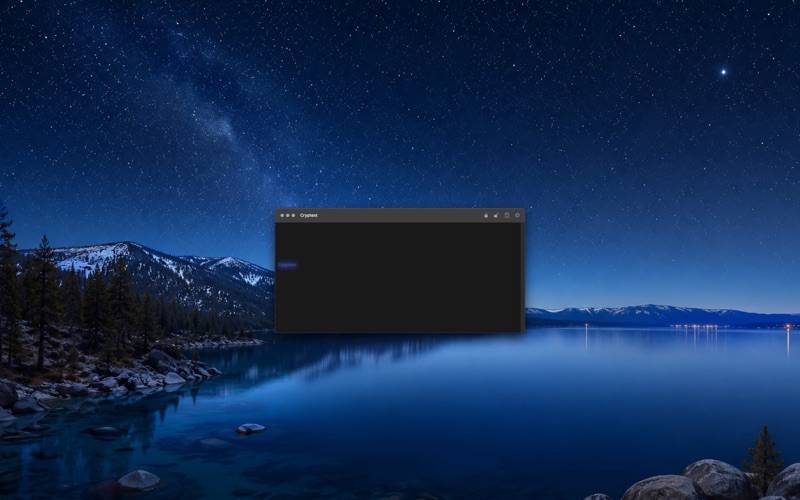
Encrypt and decrypt text directly from the editor. Type your content, click "Encrypt" and your text is instantly protected. Click "Decrypt" to recover the original content.

Cryptext supports AES-128, AES-192 and AES-256. Encryption strength automatically adapts to the length of your passphrase.

— YOUR DATA STAYS ON YOUR MAC —

Cryptext works entirely offline.

No account.
No server.
No telemetry.
No data collection.

Your texts, keys and secrets remain under your control.

— APPLE KEYCHAIN —

Security credentials are stored in Apple's Keychain, the same technology used by macOS and Safari to protect sensitive information.

— .CRYPTEXT DOCUMENTS —

Cryptext introduces its own secure document format.

.cryptext files preserve encrypted content and the information required to reopen it safely inside the application.

— IMPORT AND EXPORT —

• Open .cryptext documents
• TXT export
• .cryptext export
• Secure document storage

— ENCRYPTION MODES —

• CBC (recommended)
• ECB (compatibility)

Choose the mode that best fits your workflow while keeping the experience simple and accessible.

— ICLOUD PREFERENCES SYNC —

Synchronize appearance and encryption preferences across your Macs using iCloud.

Encryption keys are never synchronized.

— CUSTOMIZATION —

• Custom text colors
• Custom background colors
• Adjustable window transparency
• Optional visual effects
• Live preview

— BUILT FOR MAC —

Cryptext is a native macOS application developed with Swift and SwiftUI.

Universal binary for Apple Silicon and Intel Macs.

Requires macOS 15 or later.
Category: Utilities(185746)
Version: 2.0.0
BundleId: com.rbcafe.cryptext
Developer: Adrien Paulet
Updated: 2018-06-19
