
DockTimer - Timer in your Dock
0.0 666.12KB 0 ¤22.00
Version 3.0
Updated 2025-09-09
Developer Kohei Nomura




Description
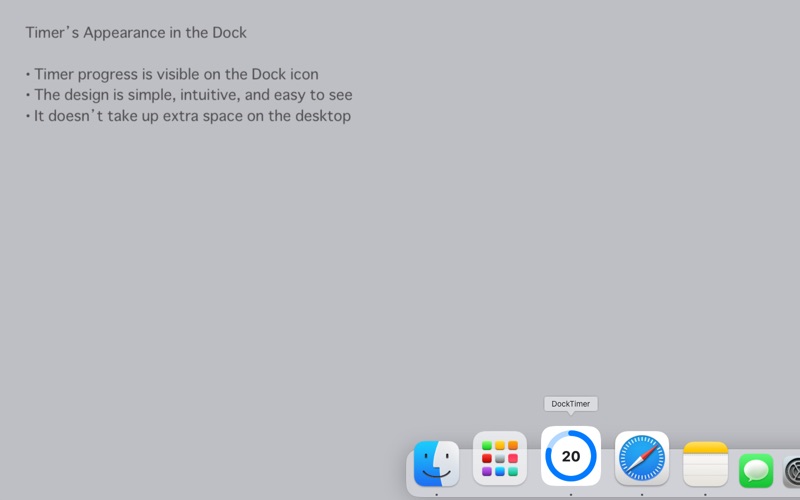
Live timer in your Dock • DockTimer adds a timer directly to your Dock and shows the remaining time at a glance
Live timer in your Dock
• DockTimer adds a timer directly to your Dock and shows the remaining time at a glance.
• You can keep track of progress even while the app runs in the background, without cluttering your desktop.

Notifications
• Get notified when time is up with macOS notifications and bouncing Dock icons.
• Optionally show a full-screen overlay at completion.
• Optional reminders when you forget to start the timer in Pomodoro mode.

Appearance
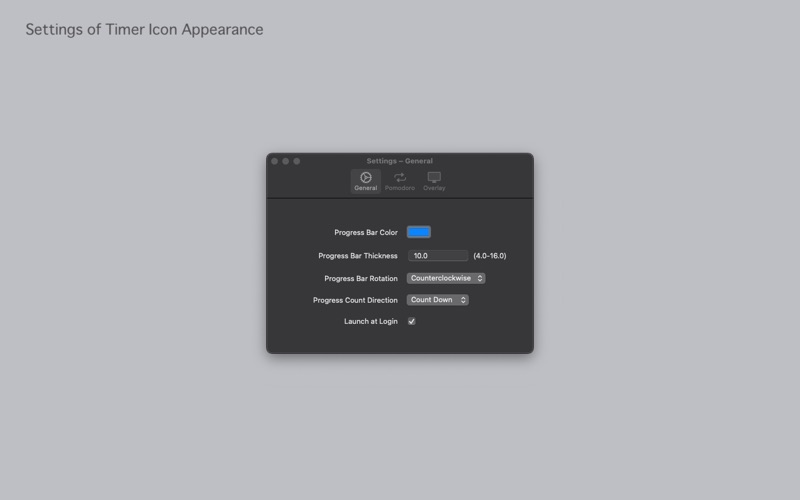
• Highly visible design with full customization of colors and thickness.
• Choose clockwise or counterclockwise progress bar direction.
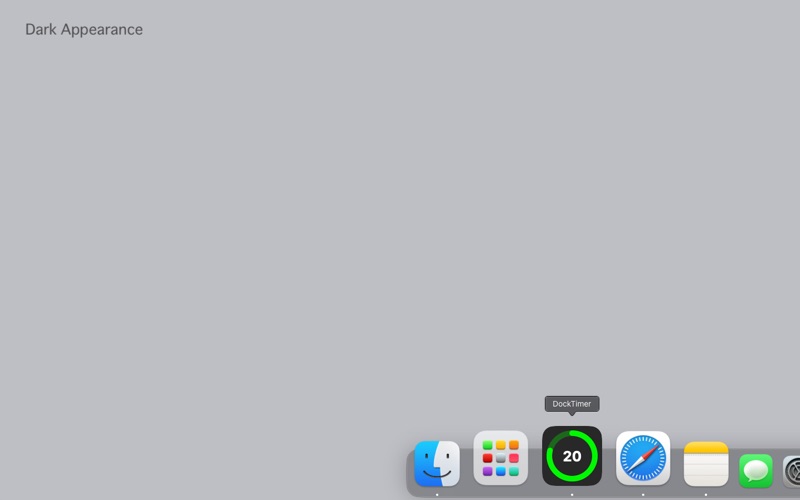
• Supports dark mode.

Pomodoro Mode
• A dedicated interface for the Pomodoro Technique.
• Focus and break times are automatically set.
• Option to auto-start break sessions.

Task Time Management
• Link focus sessions directly to tasks.
• Track your focus time and session counts with graphs.
• Easily copy your task list to the clipboard for use with generative AI.
Category: Productivity(96543)
Version: 3.0
BundleId: com.kh-nomura.DockTimer
Developer: Kohei Nomura
Updated: 2025-09-09
