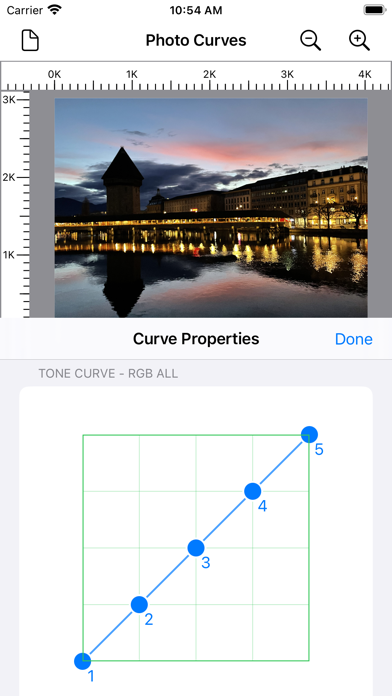
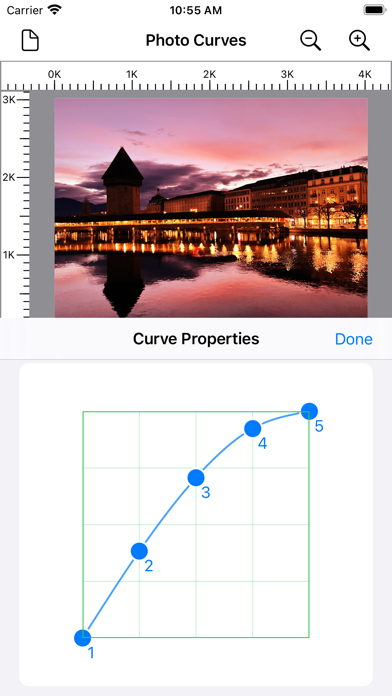
A photo taken from a digital camera may sometimes appear too dull or too bright. This is a situation where we could use a photo curve for photo post-processing to make our photos look dramatically better. Applying a curve to a photo can be thought of as a way of remapping an image's tonality, enabling us to adjust the brightness, increase contrast, or emphasize colors.

Every photo has a mix of shadows, mid tones, and highlights. Shadows are the darkest parts of the photo, highlights are the brightest, and mid tones are in between. When shown on a Photo Curve, the upper-right area of the graph represents the highlights, the lower-left area represents the shadows, and the middle part represents the mid tones.