Track your matches of Marvel Snap manually via this app.
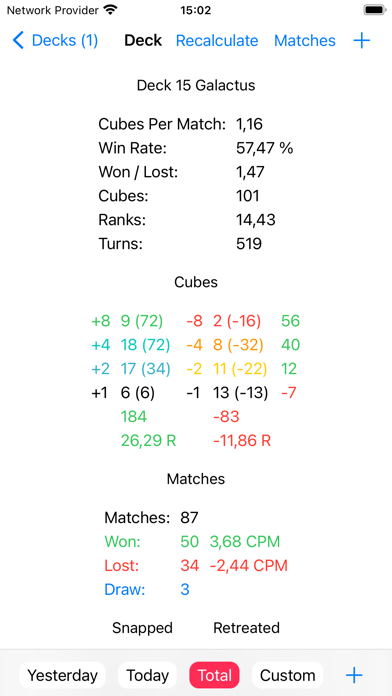
Build your stats for your decks.
Analyze your playing.

Features:

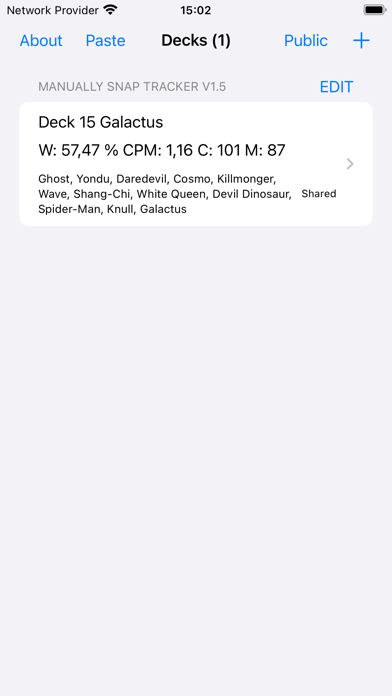
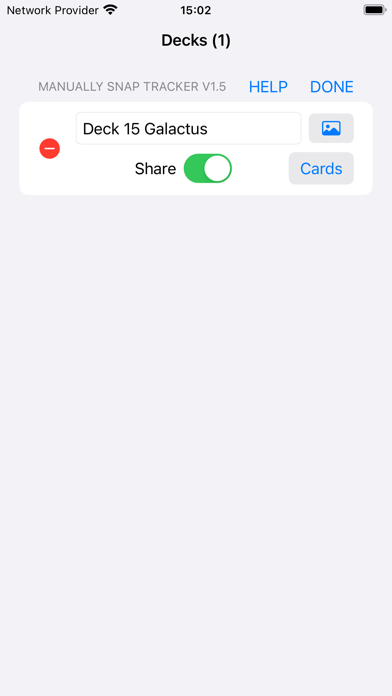
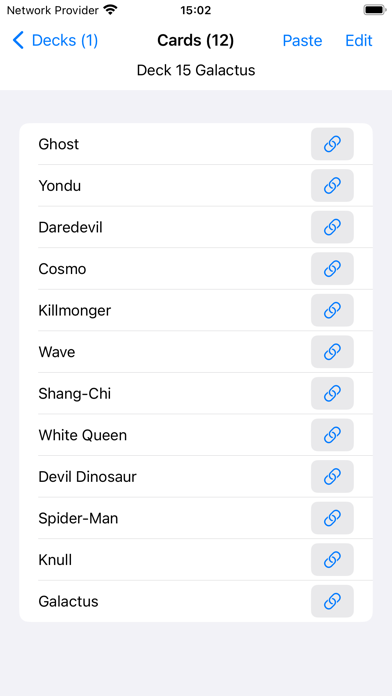
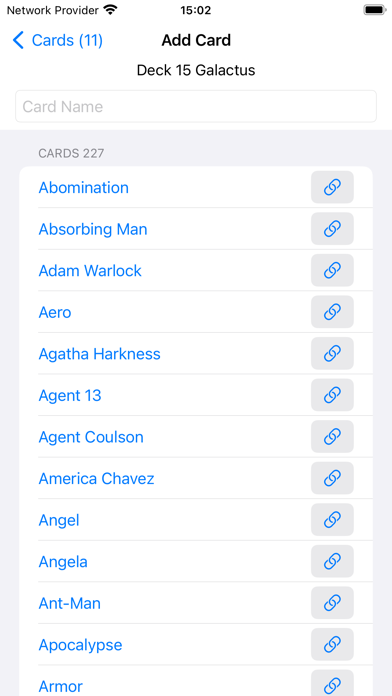
- Create your own decks with optional image.
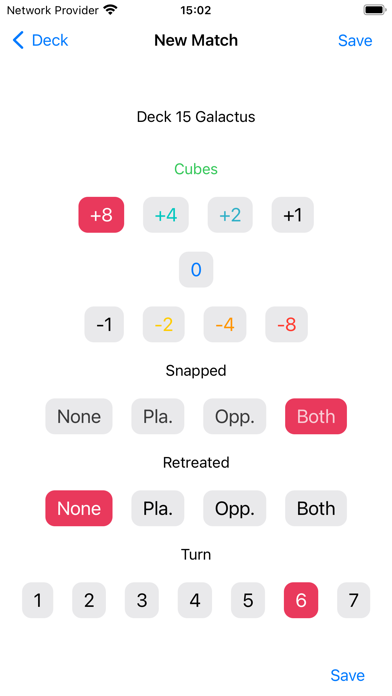
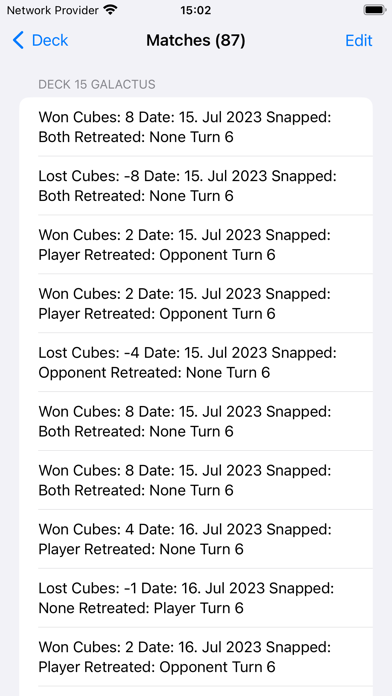
- Insert your match results manually but quick and precise.
- Watch your stats growing.
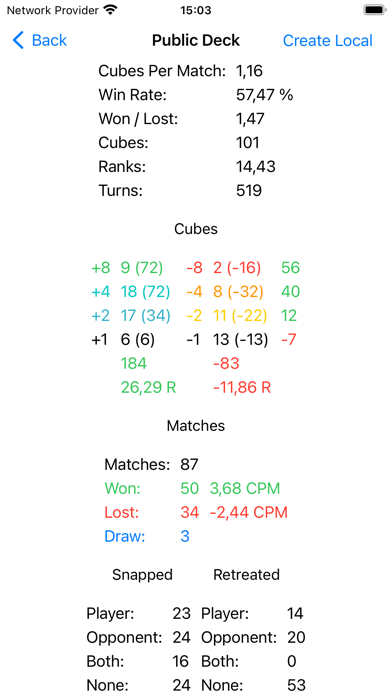
- Stats: Win Rate, Won / Lost, Matches Played (All, Won,  Lost, Draw), Cubes (+8, +4, +2, +1, -1, -2, -4, -8), Cubes Per Match, Ranks, Snapped (None, Player, Opponent, Both), Retreated (None, Player, Opponent, Both), Turns (Total, 7, 6, 5, 4, 3, 2, 1)
- Stats periods: Total, Today, Yesterday, Custom (Start, End)
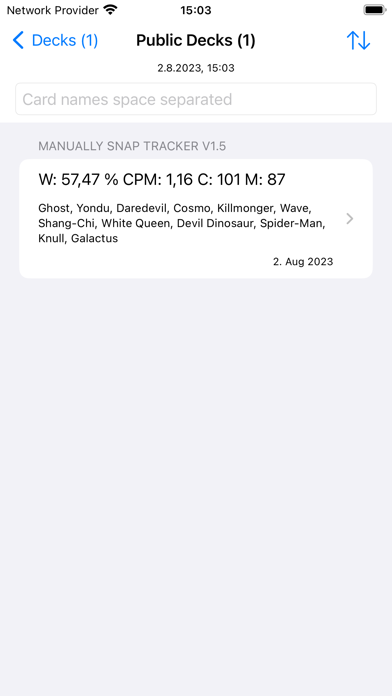
- Share decks
- Export decks
- Import decks
- Paste deck from Snap
- Dark mode
- To be continued ...

Please remember, if you have problems with the app or if you have a feature request, send this information to the support email address: [email protected]

Story
Unfortunately, it is not possible to automatically track Marvel Snap data on iOS. So I started by putting my deck stats into the notes app. But it lacked most stats data. I had only total cubes and matches count. But I wanted more. This is why I created this app. Now I can enter my deck stats fast and precise and I must not even calculate. I leave the tracker app open in the background, with the deck opened that I use in Snap. After the match I just swipe to the right on the bottom of the screen, to switch to the tracker app, just press the plus button, make a few taps and save. I love it. And I hope you will enjoy it too.

Attributions:

- App icon base symbol designed by Freepik (target_4499787).