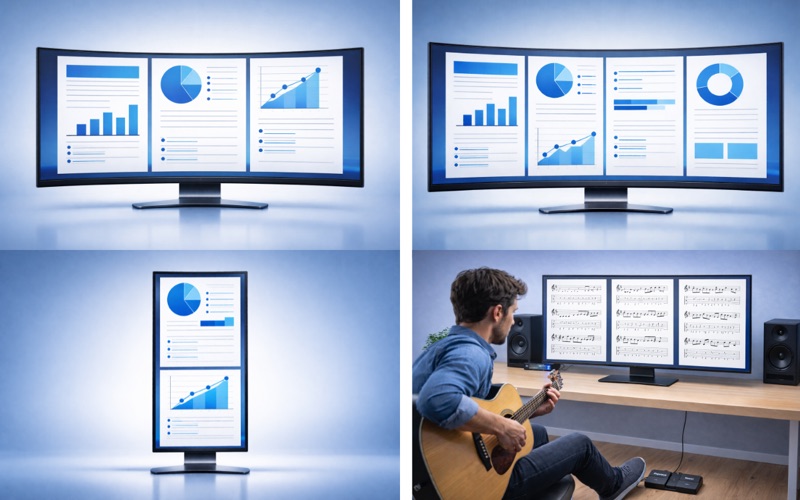
MultiPage PDF Viewer is a macOS PDF viewer that displays multiple pages at once. It is designed for reading, so it reduces the visual clutter common in editing-focused PDF tools and helps you stay focused on the document. It prioritizes responsive rendering for comfortable multi-page viewing. In addition to 1-4 page presets, you can freely adjust rows, columns, and reading direction. It improves workflows such as document comparison, vertical-monitor reading, and sheet music viewing. It also supports reopening from recent files, password-protected PDFs, and per-document display-state restore.

Main Features
Multi-page display:
You can switch between 1/2/3/4-page presets and detailed layout settings. Up to 15 pages can be displayed at once.

Row/column and reading-direction customization:
You can optimize page order with row-first/column-first and left-to-right/right-to-left settings.

Start-page offset setting (page-number correction):
You can adjust displayed page numbering, for example by treating the main body as page 1 after excluding cover or index pages.

PDF loading:
Both drag-and-drop and "Open..." are supported for quick access.

Recent-file reopen:
You can reopen recently used files quickly from the recent list.

Password-protected PDF support:
You can open protected PDFs and optionally save passwords.
*Some PDF files may not be accessible.

Per-document display-state restore:
Layouts and page positions are saved per document and restored when reopened.

Printing:
You can print the current PDF directly from the app.

Foot-pedal operation:
If your foot pedal can send arrow keys (←/→), you can use it directly for page turns.

Keyboard Shortcuts
- Command + O: Open file
- Command + P: Print
- Command + Comma: Document display settings
- Command + Shift + Comma: Global settings
- Left / Right Arrow: Move by page set
- Command + Left / Right Arrow: Move by single page
- 0-9 + Enter: Jump to page

Recommended For
- People who handle PDFs for business work and need fast review in busy schedules.
- People who want efficient PDF reading on large displays such as ultrawide and vertical monitors.
- Music users and musicians who want smoother page handling for sheet music.
- People who want side-by-side multi-page comparison but find typical PDF tools hard to use.
- People who feel many PDF tools show too many buttons and make focused reading harder.