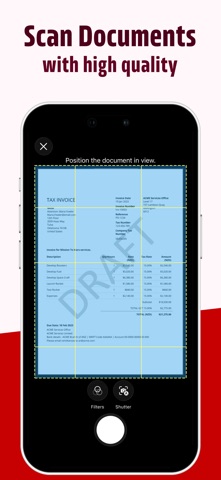
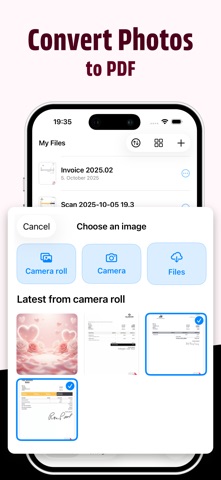
Scanny is a fast, private image to PDF converter designed for everyday use. Pick photos from your library or scan documents right from iPhone,  tap export, and get a crisp, shareable PDF - perfect for going paperless with receipts, notes, homework, or artwork. Convert any file format  - doc, pptx, xls, jpg, gif, tiff, png, etc. - into PDF.

Whether you think of it as a photo to PDF converter, a lightweight pdf scanner app, or just the quickest way to convert to pdf, Scanny keeps the flow
effortless and on-device.

- Simple flow: pick photos, preview, export a single PDF.
- High quality: clear, readable pages for receipts, documents, and pictures.
- Private by design: conversion runs on-device; no accounts required.
- Works offline: convert anywhere, even without internet.
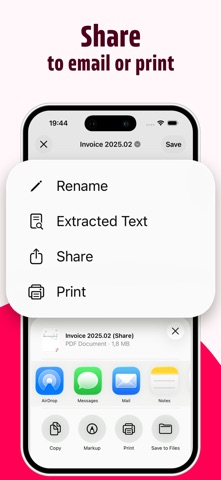
- Seamless sharing: save to Files, send by email, or share with other apps.
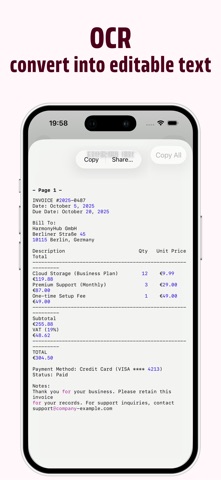
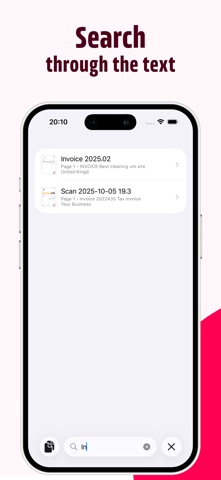
- OCR converts any scanned photo into editable pdf
- Smart PDF Tagging – Powered by Apple Foundation Models


Why it’s great for going paperless:

- Turn “scan photos to pdf” moments into one tidy document.
- Combine “photos to pdf” for projects or trip receipts.
- A clean alternative to bulky “pdf scanner” tools when you just need photo to pdf.

Perfect For

- Receipts & invoices: organize expenses and reimbursements.
- Documents & letters: create tidy digital copies for records.
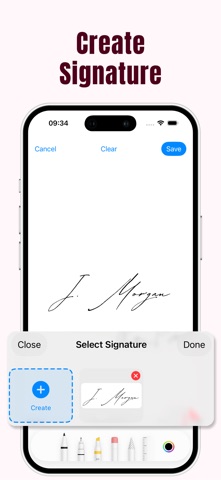
- Contracts & forms: export signed pages as a single PDF.
- Handwritten notes: scan journal pages, sketches, and doodles.
- Homework & worksheets: submit clean, multi‑page schoolwork.
- Whiteboards & meeting notes: capture ideas before they’re erased.
- Artwork & portfolios: compile drawings or photos into one file.
- Recipes & clippings: save favorites from books or magazines.
- Travel docs & itineraries: keep plans in one shareable PDF.
- Warranties & manuals: store reference pages for quick access.
- Shipping labels & returns: print‑ready PDFs in seconds.
- Certificates & records: tidy backups for important papers.
- Business cards & flyers: batch into a single PDF for archiving.

How it works:

1. Open Image2pdf and select your images from Photos.
2. Preview your pages.
3. Export and share your PDF.

--- Terms of Use:  https://www.apple.com/legal/internet-services/itunes/dev/stdeula/