Clivo is a clipboard history manager for macOS — what you copy never slips away.

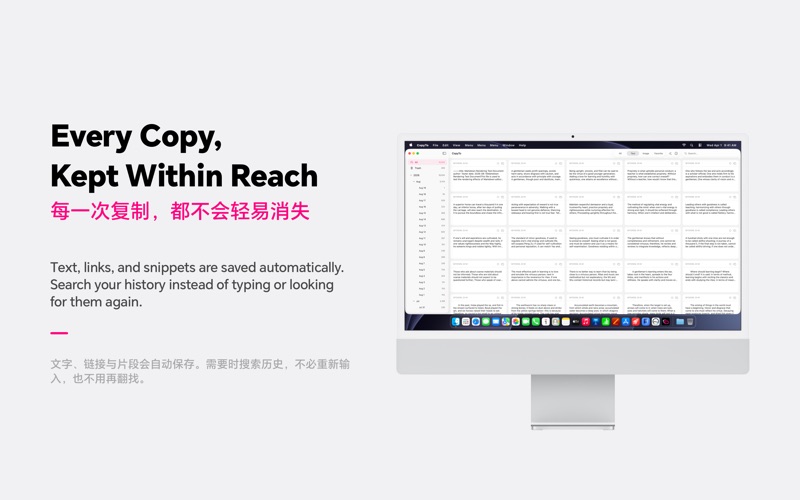
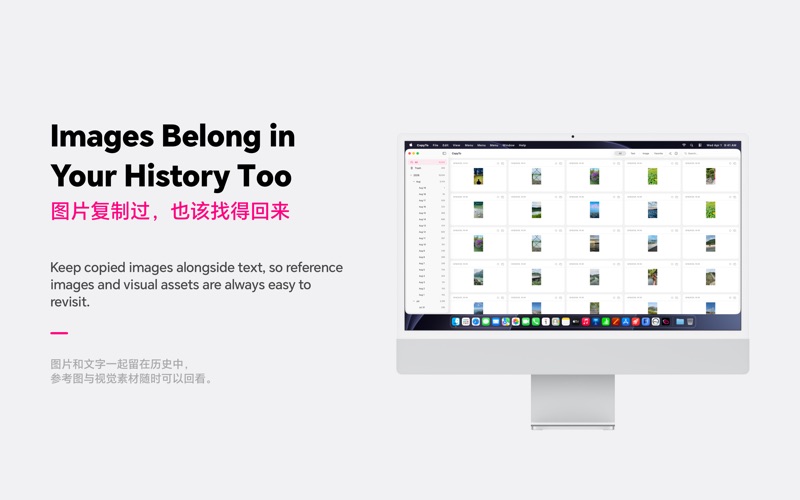
- Automatic capture: text, links and images are saved along a timeline, with full-text search to find anything in seconds
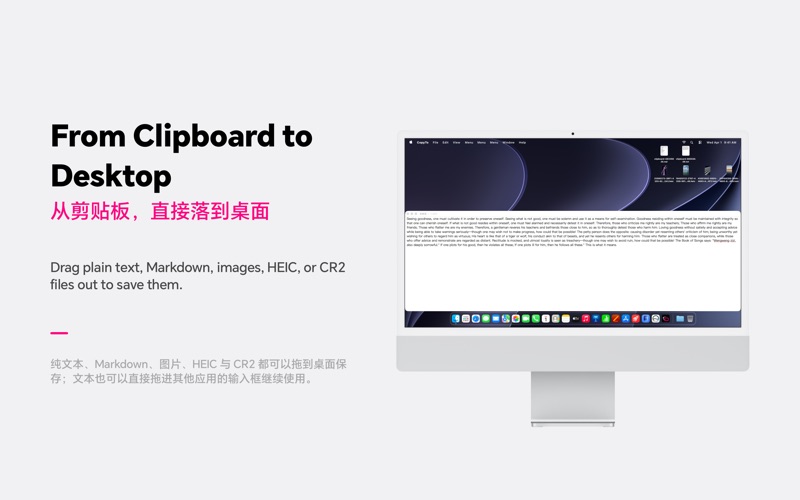
- Quick Paste Panel: summon a floating panel with a global shortcut (default Option-Cmd-V, customizable in Settings to avoid conflicts with other apps). Click to copy, or drag an item straight to the desktop as a file. Panel position: top / bottom / left / right
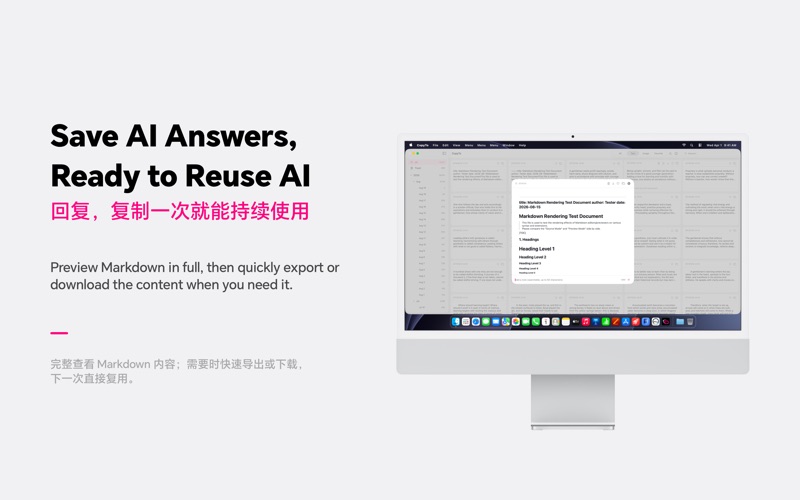
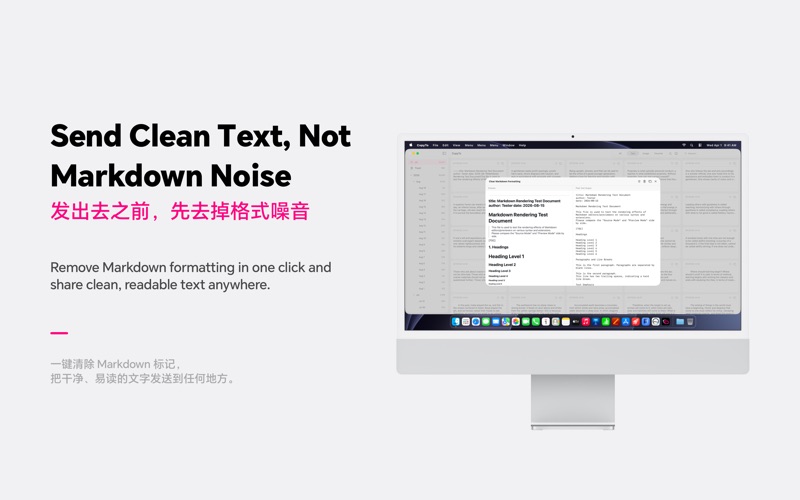
- Markdown support: rich text copied from webpages is converted to Markdown automatically; details render code blocks, math formulas and Mermaid diagrams; remove Markdown formatting to plain text in one click, with optional tidy layout
- Favorites & notes: edit notes inline on cards, batch-favorite, batch-download, and drag-select multiple items
- Live Text: select and copy text inside images
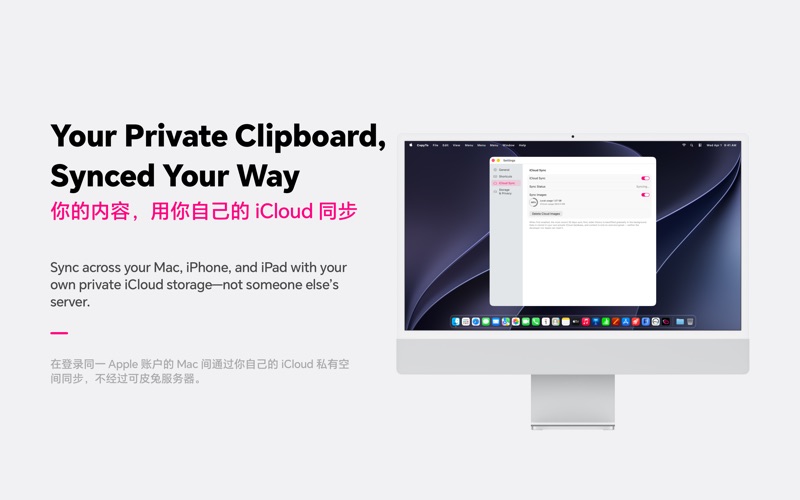
- Optional iCloud Sync: share clipboard history across your Macs. Data stays in your own private iCloud database, visible only to you, and can be turned on or off anytime
- Privacy first: data is stored locally by default and never routed through our own servers; anonymous analytics contain no personal information

Terms of Use: https://www.apple.com/legal/internet-services/itunes/dev/stdeula/

Clivo 是一款 macOS 剪贴板历史管理工具,让你复制过的内容不再一去不返。

- 自动记录:复制过的文字、链接与图片按时间线保存,全文搜索秒速定位
- 快捷粘贴面板:全局快捷键呼出悬浮面板(默认 Option-Command-V,可在设置中自定义,避免与其他软件冲突),点击即复制,拖拽到桌面直接落地成文件;面板位置可选上/下/左/右
- Markdown 支持:复制网页等富文本自动转换为 Markdown;详情完整渲染代码块、数学公式与 Mermaid 图表;一键清除 Markdown 格式转为纯文本,支持美化排版
- 收藏与备注:卡片直接编辑备注,批量收藏、批量下载,拖选多条记录
- 图片实况文本:图内文字直接选中复制
- 可选 iCloud 同步:多台 Mac 共享剪贴板历史,数据存放在你自己的 iCloud 私有数据库中,仅自己可见,可随时开启或关闭
- 隐私优先:数据默认存储在本机,不经由任何自建服务器;匿名使用统计不涉及个人隐私