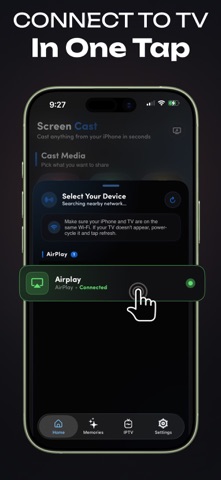
Mirror your iPhone or iPad to any compatible TV - no cables, no account, no setup
Mirror your iPhone or iPad to any compatible TV - no cables, no account, no setup.
Cast photos, videos, live camera, and web pages to the big screen over your own Wi-Fi. Fast, smooth, and private.
Screen mirroring, media casting, whiteboard, and a TV remote - all in one app.

-----------------------------
HOW IT WORKS
-----------------------------

1. Connect your iPhone and TV to the same Wi-Fi network
2. Open the app and tap your device from the list
3. Start casting - that's it

-----------------------------
WHAT YOU CAN DO
-----------------------------

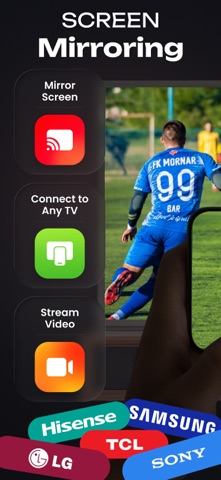
SCREEN MIRRORING
Show your screen in real time - presentations, meetings, gaming, or everyday viewing on a larger display.

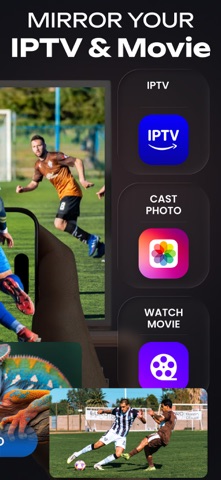
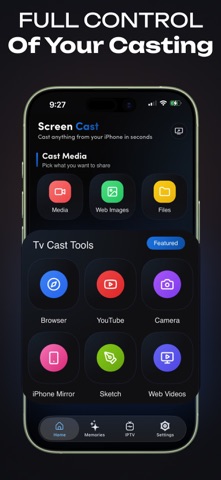
PHOTO & VIDEO CASTING
Stream photos and videos from your device with smooth playback and clear quality.

WEB CASTING
Browse inside the app and send what you find straight to the big screen.

SKETCH & WHITEBOARD
Draw and explain ideas live with the built-in sketch tool. Built for teaching and brainstorming.

LIVE CAMERA
Share your camera view on a larger display as it happens.

TV REMOTE
Navigate, play, pause, and control volume right from your phone.

YOUR OWN MEDIA
Play your own links, playlists, and files.

-----------------------------
PRIVATE BY DESIGN
-----------------------------

- Works only on your own local Wi-Fi network
- Sharing is always started by you
- No media or personal data is stored or uploaded
- No account, login, or sign-up required

-----------------------------
WHY PEOPLE KEEP IT
-----------------------------

- Set up in seconds, not minutes
- Clean interface with no clutter
- Every casting mode in a single app
- Works for personal and professional use

-----------------------------
IMPORTANT
-----------------------------

Screen Mirroring | TV Casting is a screen mirroring and display utility. It does not host, stream, or distribute any content. Users are responsible for ensuring they hold the rights to any media they display.
Not affiliated with or endorsed by any third-party platform, service, or device manufacturer.
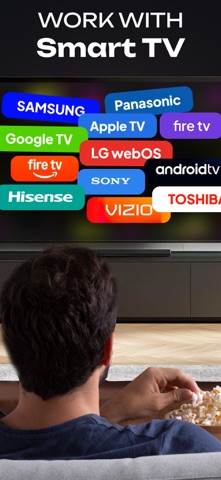
Requires a compatible receiver device on the same Wi-Fi network.