
ScreenFrame: Auto Hi-Res Frame

ScreenFrame: Auto Hi-Res Frame

0.0 11.67MB 0 Free
Version 1.0.1 Updated 2026-05-21 Developer Dmytro Ostapchenko
  • ScreenFrame: Auto Hi-Res Frame screenshot
  • ScreenFrame: Auto Hi-Res Frame screenshot
  • ScreenFrame: Auto Hi-Res Frame screenshot
  • ScreenFrame: Auto Hi-Res Frame screenshot
  • ScreenFrame: Auto Hi-Res Frame screenshot
  • ScreenFrame: Auto Hi-Res Frame screenshot
  • ScreenFrame: Auto Hi-Res Frame screenshot
ScreenFrame: Auto Hi-Res Frame screenshot

Description

Make clean, accurate device mockups in seconds

Make clean, accurate device mockups in seconds.
ScreenFrame turns your screenshots into pixel-perfect iPhone and iPad frames with a simple drag & drop workflow.

How it works
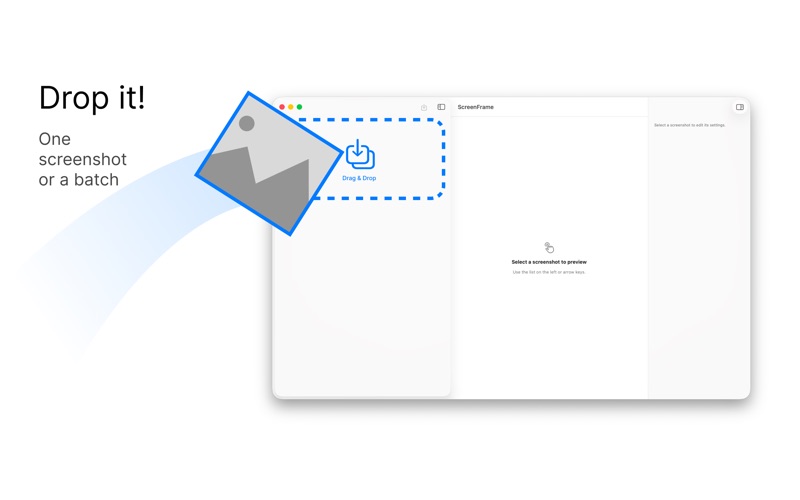
	•	Drop one screenshot — or a whole batch
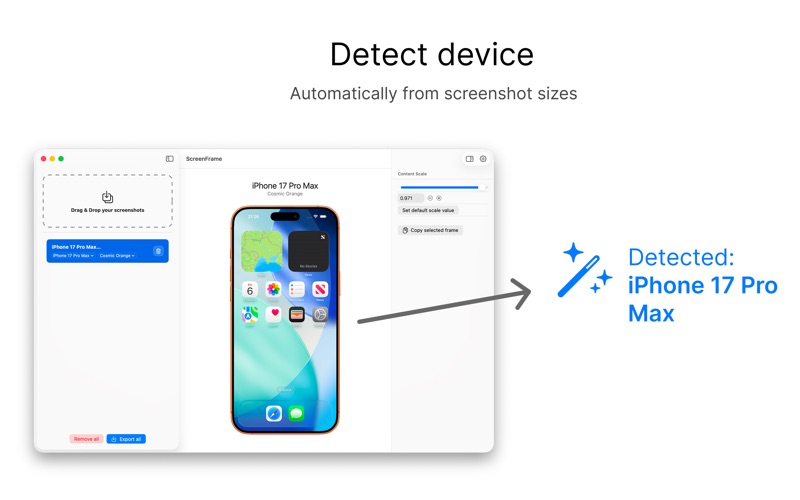
	•	Auto-detects iPhone / iPad (no manual device picking)
	•	Export instantly

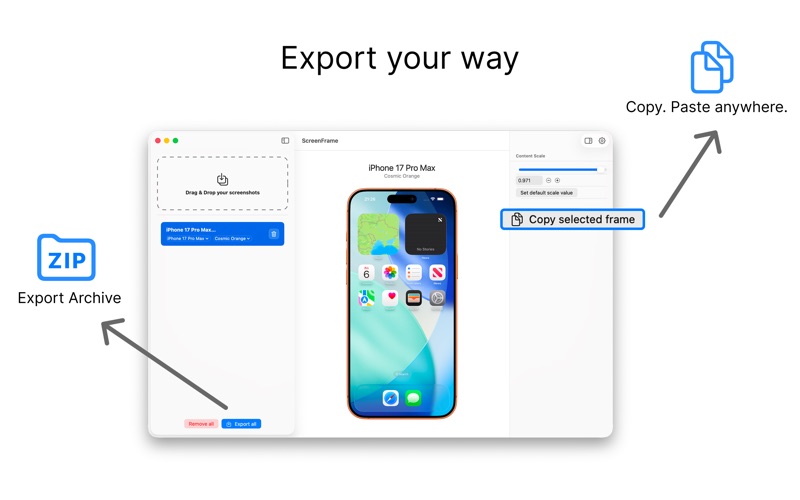
Export your way
	•	Export all as a ZIP
	•	Copy a selected frame to clipboard and paste anywhere

Why ScreenFrame
	•	Up-to-date device frames
	•	Precise alignment (no “wonky” results)
	•	Lightweight and fast

Perfect for App Store screenshots, social posts, portfolios, and product pages.
Category: Developer Tools(4119) Version: 1.0.1 BundleId: Jeytery.ScreenFrame Developer: Dmytro Ostapchenko Updated: 2026-05-21

In-App Purchases

1 items 1 currencies
1 中国

Item

¥ 0 CNY
;