Code To PC – Fast and Reliable Barcode and QR Code Scanner
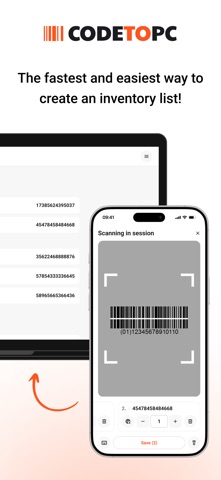
Turn your phone into a high-precision barcode and QR scanner and send data to your PC
Code To PC – Fast and Reliable Barcode and QR Code Scanner
Turn your phone into a high-precision barcode and QR scanner and send data to your PC.

Download the server app here: https://codetopc.com

Features

- Data Transfer – Scan barcodes and QR codes and send them directly to your PC.
- Wi-Fi Connection – No cables needed. Your phone and PC connect over the same network.
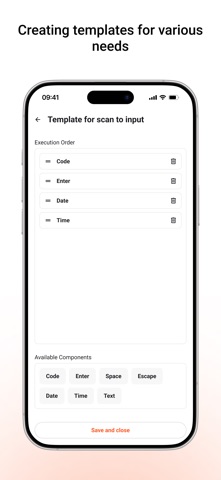
- Keyboard Emulator – Automatically types scanned codes into any app on your PC.
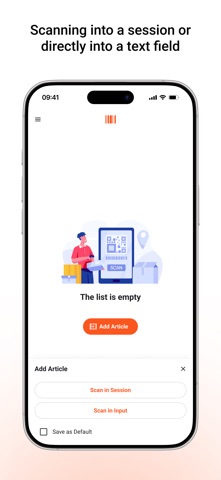
- CSV Export – Save scans instantly or export them later as a CSV file.
- Multi-Platform Support – Works on Windows and macOS.
- High-Precision Scanning – Uses advanced camera processing for accurate recognition.
- User-Friendly Interface – Simple and intuitive design.

How It Works

- Download and install the Code To PC server on your PC
- Make sure your phone and PC are on the same Wi-Fi network
- Open the app and start scanning – data is instantly sent to your PC

Server app download: https://codetopc.com

Perfect For

- Inventory Management
- Retail and Point of Sale
- Office and Productivity Automation
- Logistics and Warehousing
- Personal Use and More

Download Code To PC and simplify your work!