ScrobbleMate is the cleanest, most reliable way to scrobble Apple Music to Last.fm on macOS.

It lives quietly in your menu bar, watches what you're listening to, and submits scrobbles to Last.fm the moment a track finishes — no fuss, no friction, no battery drain.

DESIGNED FOR MACOS
- Native menu bar app, built with SwiftUI for macOS 26
- Universal binary for Apple Silicon and Intel
- Sandboxed and notarised — only talks to Apple Music and Last.fm

REAL VU METERS
Turn your menu bar into a piece of studio gear. An optional stereo VU meter with true needle ballistics — symmetric rise and fall, the correct gentle overshoot, 0 VU aligned to −18 dBFS — a proper non-linear scale, and peak hold. Three styles: Retro LED blocks, a warm Gradient Bar, or a Classic VU face.

Want more? The Floating Card is an always-on-top mini display you can drag anywhere on screen: album artwork, track info, a live quality readout, and twin analogue needle dials on rendered hardware faceplates. Three sizes, position remembered.

Levels are measured from Apple Music's audio in real time — measured, never recorded.

KNOW YOUR SIGNAL PATH
Audiophiles, this one is for you. ScrobbleMate reports where your audio is actually going and what happens to it on the way — a plain-English verdict first, evidence beneath it:
- "System mixer in path", "Resampling 44.1 kHz → 48 kHz", "AirPlay — lossless, capped at 16-bit/44.1 kHz"
- Device, transport, physical and virtual stream formats, hog mode, buffer size
- Source bitrate and sample rate when Apple Music reports them
- One-click Copy Diagnostics, formatted for forum posts
- Anything macOS doesn't expose is reported as exactly that — never guessed

Plus an audio output switcher right in the menu: one click moves sound between your DAC, speakers, display, or a connected AirPlay speaker.

BULLETPROOF DETECTION
Two independent detection methods work in concert, so ScrobbleMate never misses a track:
- Distributed Notifications for instant track-change events
- AppleScript polling as verification and a safety net

If one ever fails, the other keeps working. A live indicator in the menu shows exactly what's active.

PROPERLY OFFLINE-AWARE
Lost your Wi-Fi? Tracks queue up locally and submit automatically the moment you're back online — no missed plays, ever.

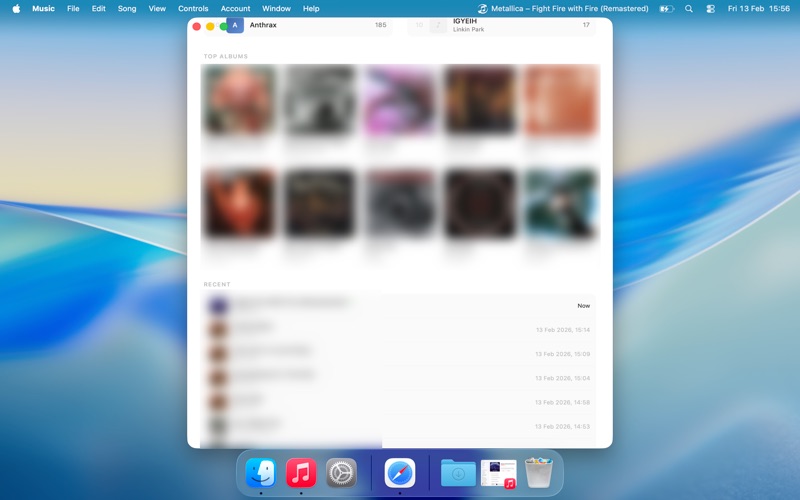
A STATS PAGE WORTH OPENING
- Live Now Playing with full artwork
- Top artists, tracks and albums for any time range
- Listening activity chart with hover-to-inspect details
- "When you listen" hourly heatmap of your habits
- Loved tracks, total scrobbles, and your peak listening hour

COLLAGE EXPORT
Generate a polished mosaic of your top albums for any time range, ready to share.

PRIVACY FIRST
- No analytics, no telemetry, no tracking
- VU meter levels are computed on-device and never stored or transmitted
- Your Last.fm session key is stored in the macOS Keychain
- Talks to two services only: Apple Music (locally) and Last.fm (api.last.fm)

WHY SCROBBLEMATE?
- Genuinely native — no Electron, no web wrappers
- Zero CPU when paused, negligible when playing
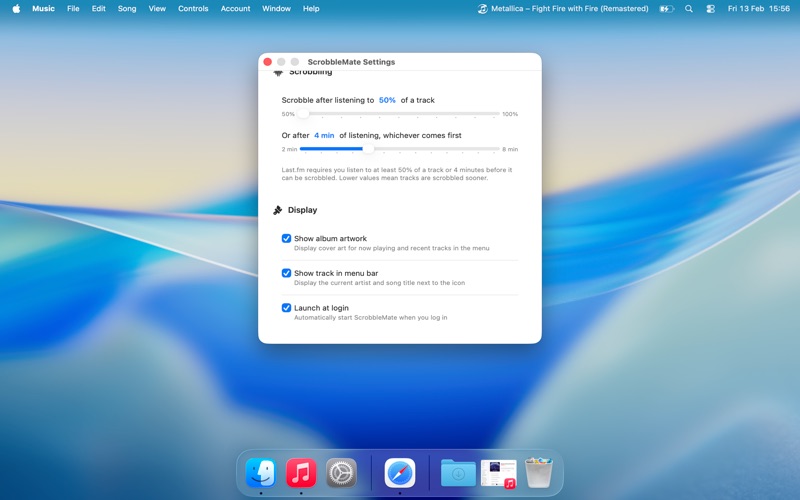
- Launches at login, stays out of your way
- Just works — no configuration beyond your Last.fm login

Sign in with your Last.fm account, press Play in Apple Music, and that's it. ScrobbleMate handles the rest.