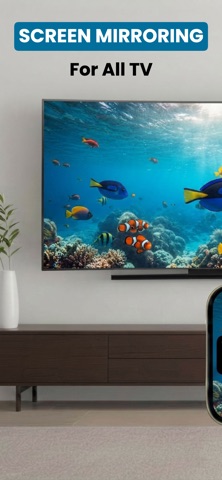
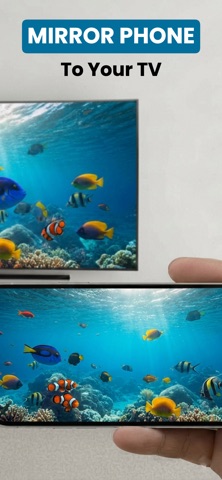
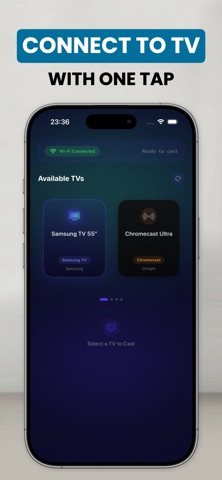
Experience the easiest way to connect your iPhone or iPad to your TV. Whether you want to stream a web video, share vacation photos, or mirror your favorite apps to the big screen, you can do it all wirelessly and with zero delay.

Transform your living room into a home theater. Cast your screen in high-definition without the need for cables, extra hardware, or complicated setups.

KEY FEATURES:

- Real-Time Screen Mirroring
Mirror your device’s display exactly as it appears. Perfect for presentations, scrolling through social media, or navigating apps on a larger screen with minimal latency.

- Web Video Casting
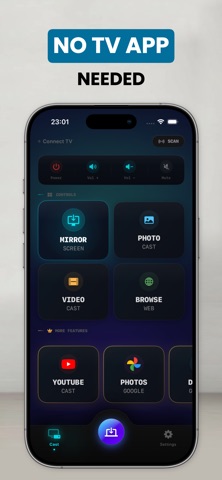
Found a great video on the web? Cast it directly from the built-in browser to your TV. Enjoy movies, news, and sports streams in full quality.

- Play & Share Local Media
Relive your best moments. Seamlessly cast your personal photos and videos straight from your camera roll to the TV to share with friends and family.

- Wireless & Zero Delay
Enjoy a smooth, stable connection. Our advanced transmission technology ensures your display and media stay perfectly in sync.

UNIVERSAL COMPATIBILITY:
Designed to work seamlessly with your existing setup. Compatible with most major Smart TVs, streaming sticks, and devices supporting standard discovery protocols (DLNA).

HOW IT WORKS:

Ensure your iPhone/iPad and your Smart TV are connected to the same Wi-Fi network.

Open the app and select your TV from the list of available devices.

Choose to mirror your screen, cast a web video, or share your local photos—and enjoy!

SUBSCRIPTION PRICING & TERMS:
Unlock all premium features and remove ads with our subscription plans:

Weekly: $6.99/week

Lifetime Access: $19.99 (One-time payment)

Payment will be charged to your iTunes Account at confirmation of purchase. Subscriptions automatically renew unless auto-renew is turned off at least 24-hours before the end of the current period. Your account will be charged for renewal within 24-hours prior to the end of the current period. You can manage or cancel your subscriptions by going to your App Store Account Settings after purchase. Any unused portion of a free trial period will be forfeited when the user purchases a subscription.

DISCLAIMER:
Please note that this app is an independent product and is not affiliated with, endorsed by, or sponsored by any TV brands such as Samsung, LG, Sony, Roku, Vizio, TCL, Google, or others. All trademarks belong to their respective owners.

For support, contact: [email protected]
Privacy Policy: https://sites.google.com/view/tvcastscreenmirroring/privacy-policy
Terms of Use: https://www.apple.com/legal/internet-services/itunes/dev/stdeula