G Dev Toolbox is a lightweight menu bar app that puts five precision overlay tools at your fingertips
G Dev Toolbox is a lightweight menu bar app that puts five precision overlay tools at your fingertips. Whether you're inspecting a design, measuring spacing, or sampling a color, everything happens directly on your screen — no screenshots, no switching apps.

TOOLS

Crosshair — A full-screen crosshair that locks to your cursor. Useful for aligning elements across windows or checking visual symmetry at a glance.

Loupe — A magnifier that follows your cursor and shows the pixels under it at up to 8× zoom. Zoom in and out using the arrow keys. Perfect for checking sub-pixel rendering and retina assets.

Ruler — Click to set a start point, then move your cursor to measure the distance in points, pixels, or CSS rem. Tap Escape to reset and start a new measurement.

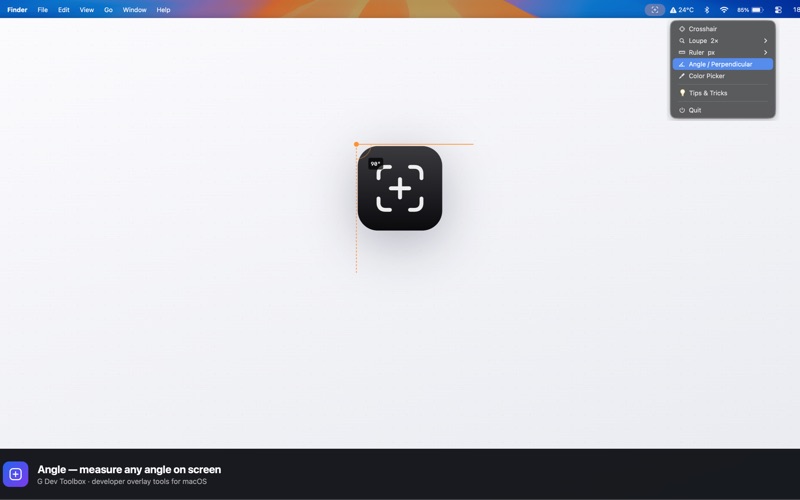
Angle — Click once to set the vertex, click again to fix the first arm, then move your cursor to read the angle in real time. Useful for measuring rotations, gradients, and perspective.

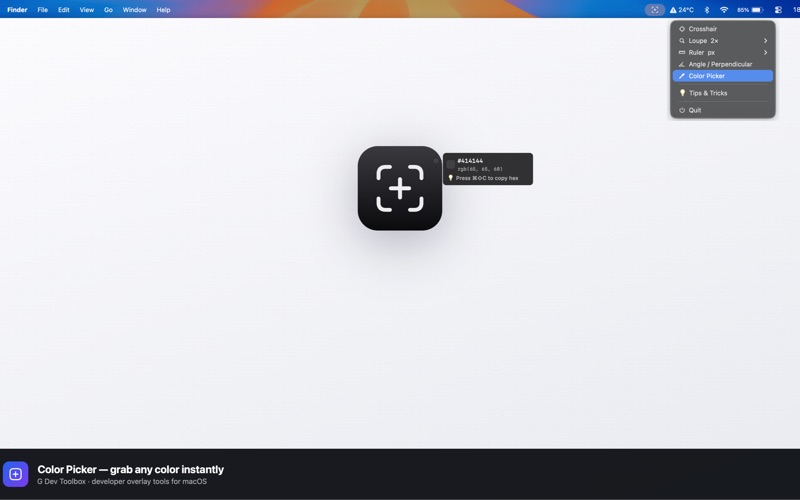
Color Picker — Samples the colour under your cursor and displays its hex value. Press ⌘⇧C to copy the hex code to your clipboard instantly.

HOW IT WORKS

Click the menu bar icon to choose a tool. The overlay appears immediately and follows your cursor across every display. Press Escape at any time to dismiss the overlay.

All tools work across multiple monitors. The Loupe and Color Picker use ScreenCaptureKit to read pixel data directly — nothing is saved to disk.

PERMISSIONS

G Dev Toolbox requires Accessibility access to track your cursor globally. Screen Recording permission is needed for the Loupe and Color Picker. Both are requested on first launch and can be revoked at any time in System Settings.

PRIVACY

No analytics. No data collection. No network requests. Everything runs entirely on your Mac.