QIXEL - Pixel Art Painter is an original and creative drawing app that makes it super-easy for pixel-lovers, designers and retro gamers to make unique 'qixel art' then export your designs to your iPad
QIXEL - Pixel Art Painter is an original and creative drawing app that makes it super-easy for pixel-lovers, designers and retro gamers to make unique 'qixel art' then export your designs to your iPad and iPhone.

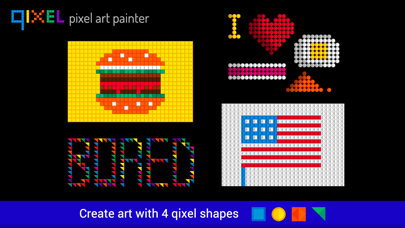
Qixels come in 4 shapes with our unique 3d effect.

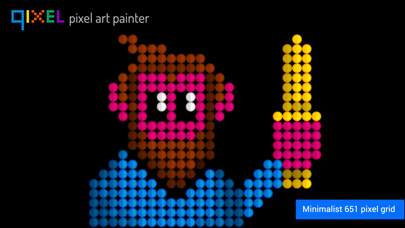
Create minimalist images, retro characters and typography with a limited number of qixels and colour palette. Make art or just use it to chill out - it's the digital equivalent of popping bubblewrap!

We look forward to seeing your artwork on the Facebook Qixel gallery! Facebook.com/qixelgallery

Here's what you can do with Qixel HD:

- Draw pictures with 4 different pixel types: Squares, Circles, Diamonds and Triangles.

- The canvas background button flips between black or white. This has a very different effect on your qixels.

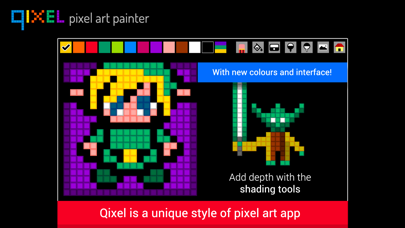
- Use the darken and lighten buttons to add shade and depth to your art.

- The triangle setting has an extra button: Rotation. Try rotating your triangles 90 degrees to make strange patterns and origami-style art.

- Use Qixel to make quirky typography.

- Write simple messages and greeting cards to send to friends.

- Make cool patterns and abstract backgrounds for websites.

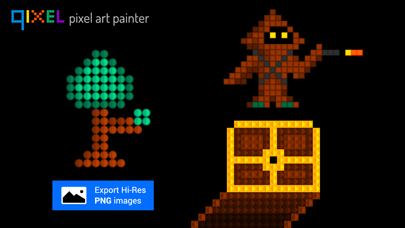
- Create retro game graphics, and then export frames in stages to make animation.

- experiment with colour: great for artists and colour therapy teachers.

ALLOW The PHOTO PERMISSION

- Qixel HD will ask you to permission to access your photos. Clicking 'OK' will allow you to save high res PNG files to your device's Camera Roll.

- The Photo button saves a high-res PNG screenshot to your iPad's camera roll.

Make sure you allow the Photo permission in your iOS device's restrictions.

Go to Settings > General > Restrictions > Privacy > Photos > Switch Qixel HD on.

iOS 12:  Settings > Screen Time > Content and Privacy Restrictions > Photos > Switch Qixel HD on.


hese aren't just Pixels... these are Qixels!