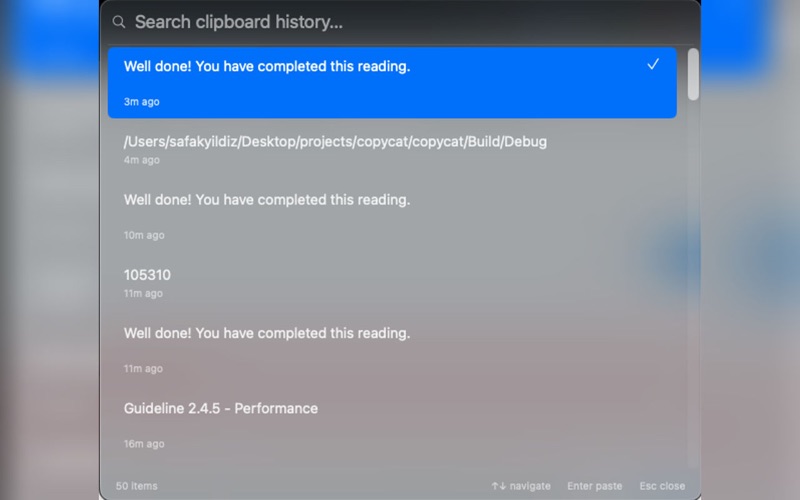
ClipBoardy is a clipboard manager for Mac. It lives in the menu bar and keeps a history of your recent copies.

Features:
• Open from the menu bar or with Control + Option + V
• Search and filter clipboard history (up to 50 items)
• Keyboard navigation (↑↓, Enter, Esc)
• Select an item to copy it back; then paste with ⌘V where you need it
• History is stored locally on your Mac

Usage:
1. Copy text anywhere as usual.
2. Click the Copycat icon in the menu bar or press Control + Option + V.
3. Pick an item from the list (click or Enter).
4. The selected text is copied; paste with ⌘V in your target app.

The keyboard shortcut requires a one-time grant of Accessibility permission in System Settings.