MyNote Library

A powerful, flexible note system designed specifically for macOS.

MyNote Library makes it easy to capture ideas, organize information, manage notes with rich formatting and attachments, and import information into one convenient place. Whether you're collecting research, planning projects, or writing long-form notes, MyNote Library keeps everything structured and accessible.


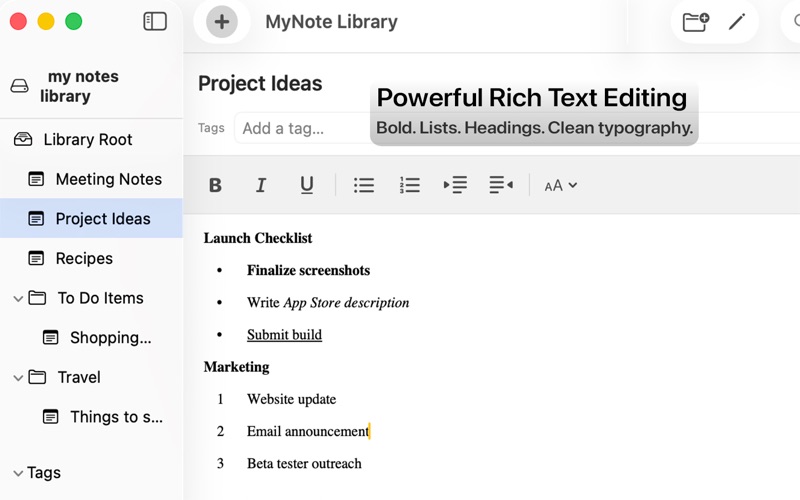
Rich Text Editing
Write beautifully formatted notes with a clean, distraction-free editor.
• Bold, italic, and underline
• Bullet, numbered, and check lists
• Clean formatting toolbar
• Smooth editing experience


Attach Files and Images
Bring your notes to life with embedded content.
• Drag and drop images directly into notes
• Attach files and documents
• Resize images visually inside the editor
• Quick Look previews for attachments


Powerful Organization
Keep your notes structured and easy to find.
• Flexible tagging system
• Organized sidebar navigation
• Create, rename, and manage notes instantly
• Notes are stored in Finder-accessible files - no need to deal with messy databases


Import Existing Notes
Bring your existing notes into your library with a powerful import tool.
• Preview notes before importing
• Include or skip individual notes
• Automatically apply tags during import
• Fast keyboard navigation for reviewing large imports


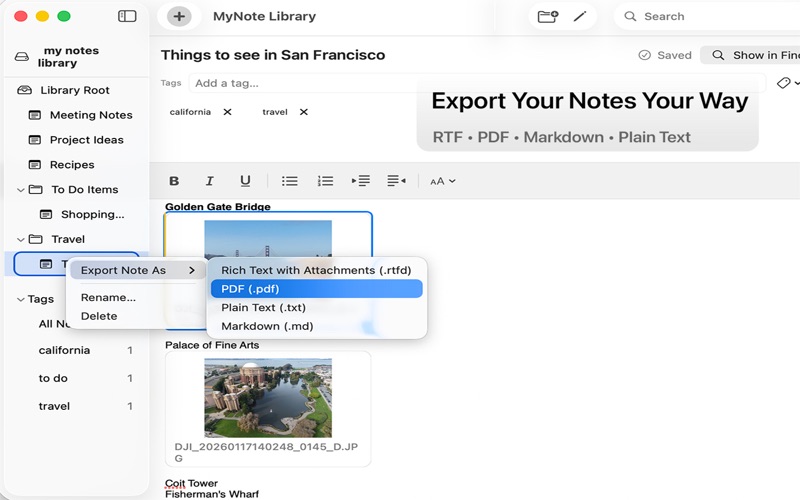
Export Anytime
Your notes stay portable and accessible.
• Export notes as RTF, PDF, or Markdown
• Attachments included when exporting
• Easy sharing and archiving


Built for macOS
MyNote Library is designed to feel like a natural part of the Mac.
• Native macOS interface
• Keyboard shortcuts for fast workflows
• Drag and drop throughout the app
• Works great with large collections of notes

Simple, powerful, and flexible — MyNote Library helps you build your own personal knowledge library.