
Clean keyboard
0.0 3.35MB 0 ¤22.00
Version 1.3
Updated 2026-06-28
Developer Ewgeniy Isurov


Description
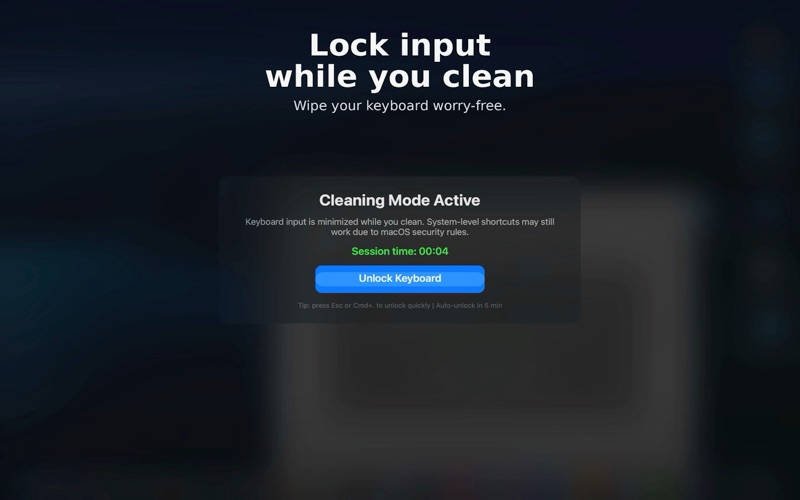
Clean Keyboard provides a focused full-screen cleaning screen for your keyboard
Clean Keyboard provides a focused full-screen cleaning screen for your keyboard.

Start a cleaning session before wiping your keyboard. While the Clean Keyboard window is active, it receives keyboard input so accidental typing stays in the app. To end a session, click Unlock Keyboard, press Esc, or press Command-Period.

Features:
• Full-screen cleaning screen
• Menu bar controls: Start Cleaning, Stop / Unlock, Preferences, and Quit
• Optional menu bar only mode — hide the Dock icon
• Optional launch at login
• Auto-unlock timer: 30 seconds, 1 minute, 2 minutes, or a custom duration
• Configurable shortcut

Clean Keyboard does not request Input Monitoring access. System shortcuts remain available.
Category: Utilities(185746)
Version: 1.3
BundleId: izyurov.Clean-keyboard
Developer: Ewgeniy Isurov
Updated: 2026-06-28
