Sidebar Calendar brings your schedule to your screen’s edge and menu bar — so you always know what’s next
Sidebar Calendar brings your schedule to your screen’s edge and menu bar — so you always know what’s next. Whether you're deep in focus or jumping between meetings, it keeps your day in view with zero friction. Instantly join Google Meet and Zoom meetings with the press of a button!

Customize everything: show event titles and durations, display all-day events, choose which calendars appear, and even pick which side of the screen your calendar lives on. Sidebar Calendar also records exactly how many hours you spent being productive — visible in a color-coded weekly view that helps you track different categories of work.

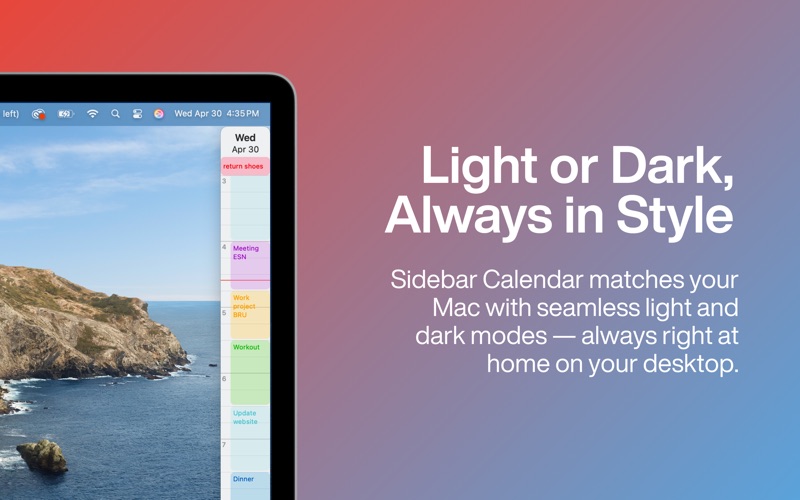
Enjoy a clean, customizable interface with options for glowing borders, Apple Reminder support, time formats, theme preferences (light/dark), and automatic hide. Sidebar Calendar respects your workflow and can float above other windows to always stay visible when you need it.

Sidebar Calendar includes an event suggestion feature that displays relevant past events as you type. You can also interact seamlessly with your events: quickly edit details, view attached notes, or open associated links with simple keyboard shortcuts. This straightforward approach saves you time without overcomplicating your calendar management.