Stickdown is a sticky-notes app that speaks Markdown.

Jot things down with live formatting, organize them into groups, and pop any
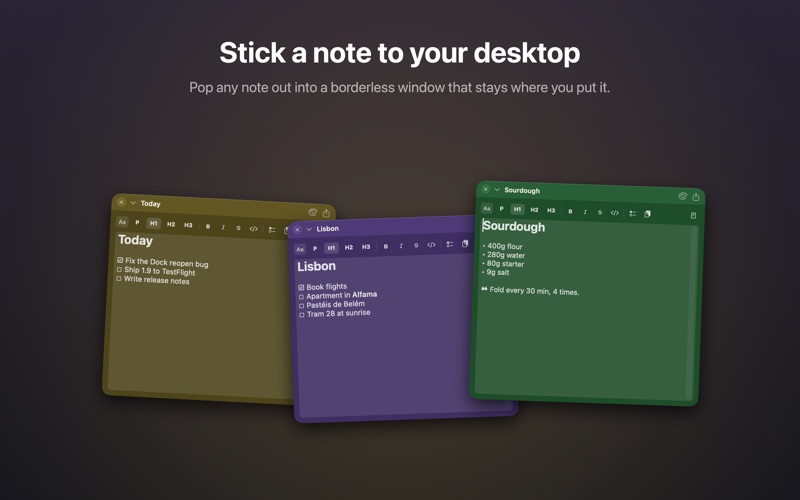
note out into a borderless floating window you can park anywhere on your
desktop — just like the Stickies you know, but smarter.

WRITE IN MARKDOWN, SEE IT FORMATTED
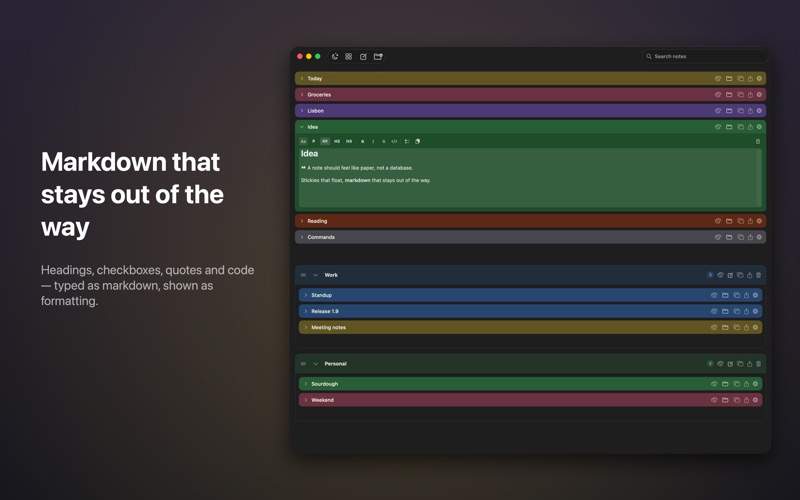
• Type Markdown and watch it format as you go — headings, bold, italic,
  strikethrough, and inline code
• A formatting toolbar and keyboard shortcuts (⌘B, ⌘I) when you'd rather click
• Peek at the raw Markdown anytime

ARRANGE YOUR WAY
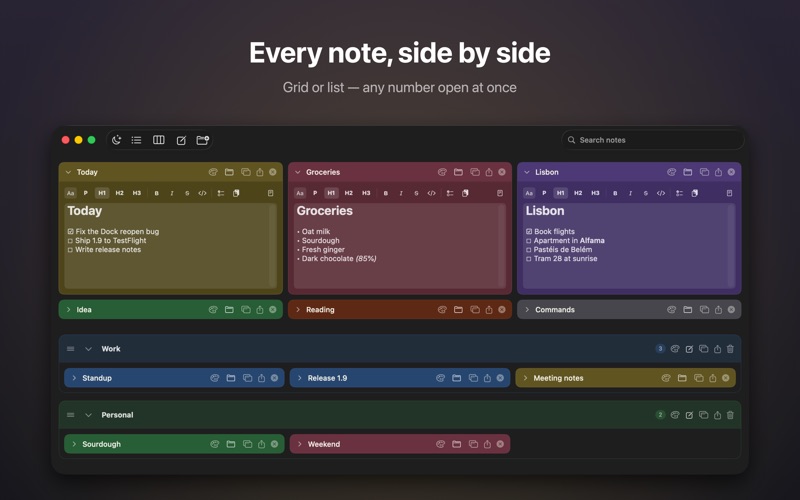
• Switch between a clean list and a board-style grid
• Keep as many notes open as you like, or collapse any to just its title bar
• Drag cards to reorder them
• Group related notes together, and keep loose standalone notes too
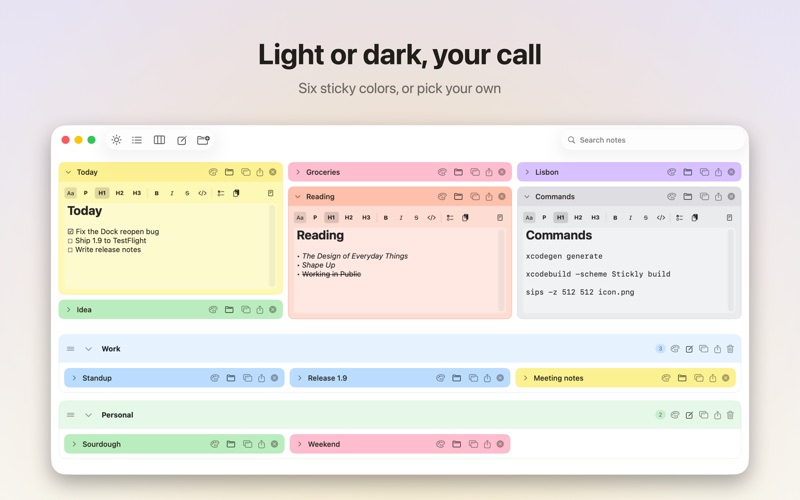
• Color-code notes to tell them apart at a glance

FLOAT IT
• Pop any note into its own borderless window
• Drag it anywhere; its position is remembered

BRING NOTES IN AND OUT
• Drag a .md file onto Stickdown for a full-size preview, then import with one click
• Export any note or a whole group as Markdown files

YOURS, AND PRIVATE
• Everything is stored locally on your Mac — no account, no cloud, no tracking
• Light, Dark, or System appearance
• Quick capture from the menu bar
• Search across all of your notes

Stickdown keeps your thoughts close, formatted, and private.