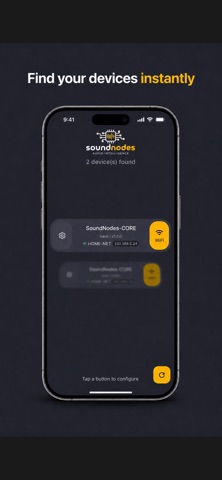
SoundNodes Connect lets you configure the WiFi network of your SoundNodes audio devices in seconds, directly from your iPhone
SoundNodes Connect lets you configure the WiFi network of your SoundNodes audio devices in seconds, directly from your iPhone.

Designed for radio broadcasters, sound engineers, and integrators, the app pairs with your SoundNodes hardware over Bluetooth Low Energy — no cables, no laptop, no console access needed.

KEY FEATURES

• Auto-discover nearby SoundNodes devices via Bluetooth
• Scan available WiFi networks (2.4 GHz and 5 GHz)
• Connect your device to the selected network in a few taps
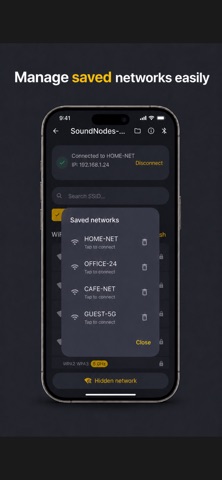
• See real-time WiFi status and IP address
• Manage saved networks and forget them anytime
• Multi-device memory — keep track of every device you have configured
• One-tap access to the RadioSPY web dashboard once online

WHY SOUNDNODES CONNECT

No more juggling with SSH sessions or web portals. Everything happens through a clean, glass-styled interface tailored for on-the-field use — even in busy broadcast environments.

REQUIREMENTS

• A SoundNodes device (Nano, Club or compatible)
• Bluetooth enabled on your iPhone
• Location permission (required by iOS to scan Bluetooth devices)

SUPPORT

Questions? Reach us at [email protected]
Learn more at soundnodes.com