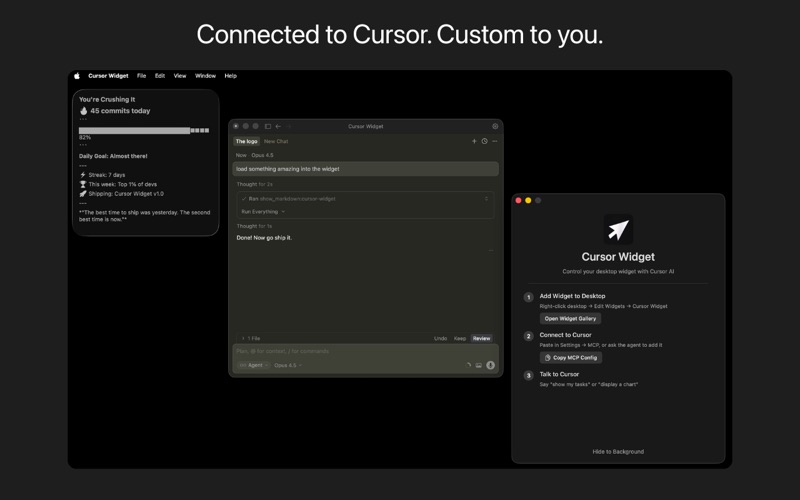
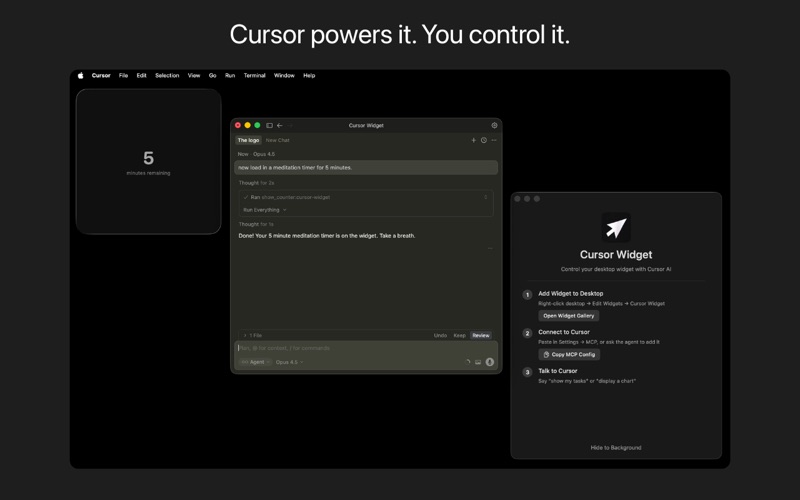
Cursor Widget brings your AI assistant to your desktop. Control a smart macOS widget directly from Cursor. Display tasks, charts, images, countdowns, and custom content without leaving your flow.

How it works:

Just talk to Cursor. Say "show my tasks" or "start a 5-minute timer" and watch it appear on your desktop instantly. Your AI handles the rest.

Features:

Task lists with priorities and completion tracking
Charts and data visualizations (bar, line, pie)
Image display from files or URLs
Markdown notes
Counters with change indicators
Floating countdown timers with notifications
Custom HTML popups for calculators, dashboards, and more

Built for Cursor users:

Cursor Widget connects via MCP (Model Context Protocol), giving your AI direct control over your desktop widget. No manual setup. Just paste the config and start talking.

Requirements:

macOS 14.0 or later
Cursor IDE with MCP support