Cast is a simple Mac-first screen sharing app for sending your screen, a selected window, or visual content to a nearby receiver on your local network
Cast is a simple Mac-first screen sharing app for sending your screen, a selected window, or visual content to a nearby receiver on your local network.

It is designed for people who want a cleaner way to show what is on their Mac without extra setup, cluttered controls, or complicated sharing workflows. Whether you are presenting in a room, reviewing work on a larger display, monitoring a second screen, or sharing media across devices, Cast keeps the experience focused and easy to understand.

Features include:

• Share your Mac screen or selected window
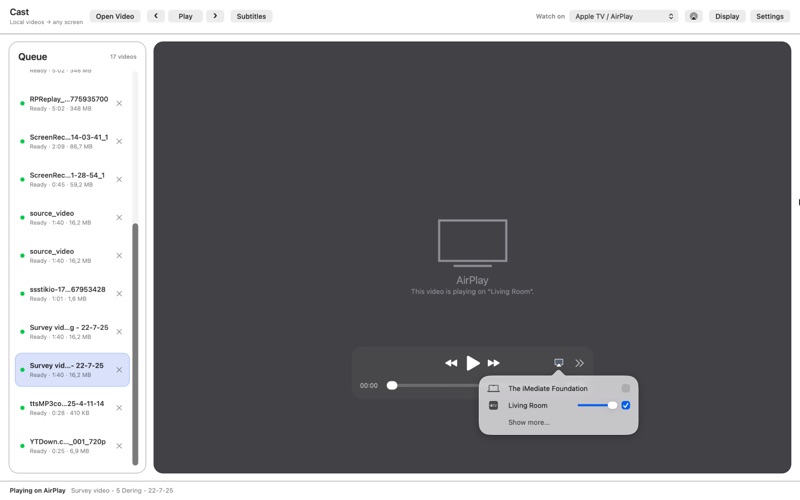
• Stream to a nearby receiver on the same local network
• Simple sender controls for starting, stopping, and managing a session
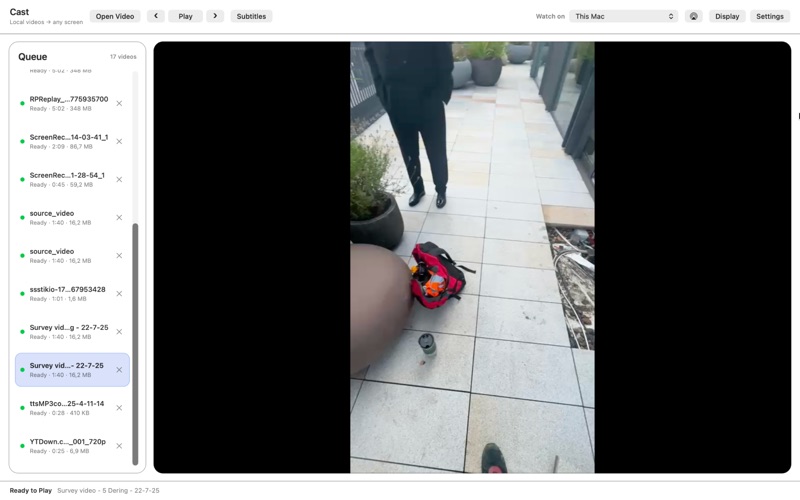
• Clean Apple-native macOS interface
• Useful for presentations, demos, room displays, media viewing, and local screen sharing
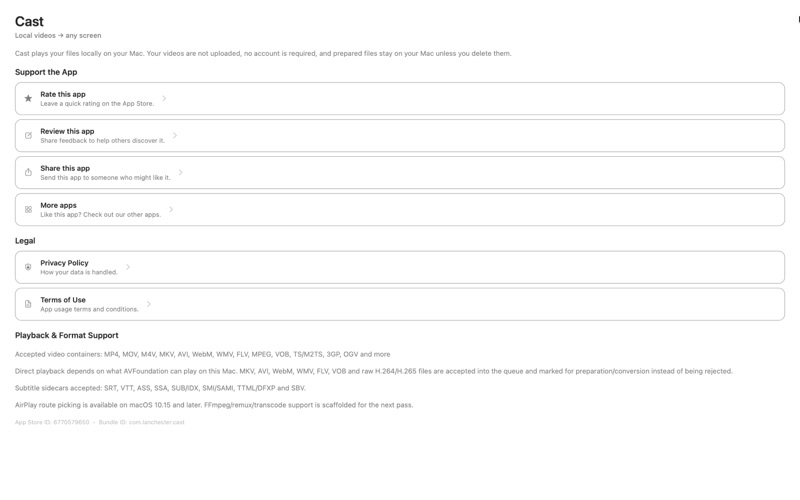
• Built with privacy in mind, with screen content handled locally during a casting session
• No account required for core use

Cast is made for everyday screen sharing moments: quickly showing work on another display, reviewing designs, sharing a browser window, presenting to a room, or keeping visual content visible while you work.

Open Cast, choose what you want to share, connect to your receiver, and start streaming.