Description
This is a simple drawing application
This is a simple drawing application.

Tips:
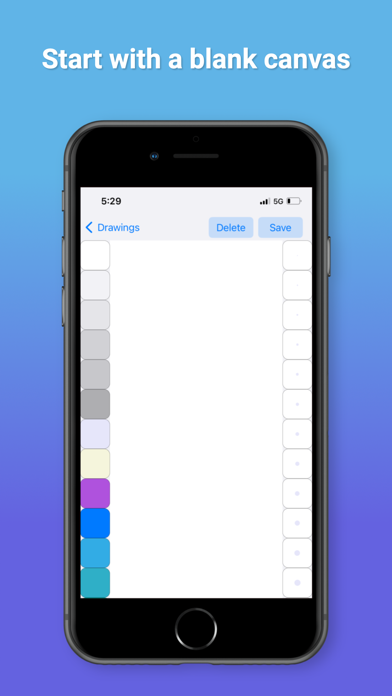
- To start a new drawing, press the '+' button.
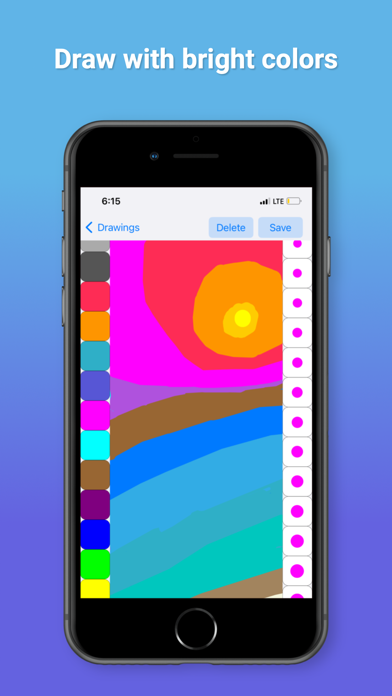
- For more colors and line thicknesses, scroll on the left and right.
- To erase part of a drawing, select the color white.
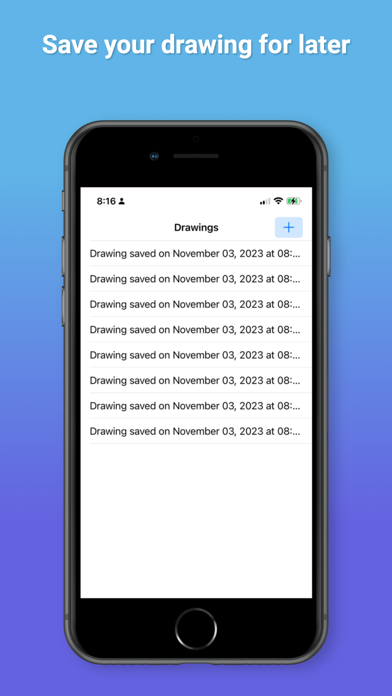
- To save the current drawing, press the 'Save' button.
- To edit a drawing, select it in the table.
- To delete the current drawing, press the 'Delete' button.
CategoryLabel图像与设计(11098)
VersionLabel1.0
BundleId: com.BezierApplications.Bezier
DeveloperLabelChristina Daniel
LastUpdatedLabel2023-11-05
